AI assistants for business write drafts, summarize long texts, find things in your files and answer questions. They save time on routine work. They don't know your business until you give them access, and they can be wrong, so someone should read what they produce.
What do AI assistants for business really do?
AI assistants for business do four everyday things well: write, summarize, search and answer.
Picture Monday morning at a small trading company. The inbox is full. An assistant can read the overnight mail and give you five lines on each long one. It can draft a polite reply to a customer. It can find last year's quote for the same client. It can answer, 'What did we agree on delivery?' if it can see the thread.
It also helps to remember that an assistant doesn't get tired. The twentieth email gets the same care as the first.
None of that is magic. It's reading and writing, fast. The value is that it takes the slow, dull part of each job and leaves you the part that needs judgment.
Here is the short list of what to expect:
- Drafting emails, notes and short documents in your tone.
- Summarizing long emails, threads and reports.
- Finding a file, a number or a past answer in your records.
- Answering plain questions about your own documents.
- Sorting and labelling things so you see the important ones first.
What can't they do?
They can't know your business by themselves, and they can't be trusted to be right every time.
Say a restaurant owner asks an assistant for the latest price from a supplier. If the assistant can't see the supplier's email, it will guess, or say something that sounds right. That's the risk with any assistant that has no access to your real records.
Whether you call it a business ai assistant or an ai assistant for small business, the question is the same: what can an ai assistant do for me?
Another trap is old information. An assistant may repeat a rule that changed last season, because that's what the old document says.
They also don't take responsibility. If the draft says the wrong thing, it's still your name on the email.
So the sensible way to work is: assistant drafts, you read, you decide. That's fine for most routine work.
What is the difference between a general assistant and one set up for your business?
A general assistant knows the world a little. One set up for your business knows your files, your clients and your way of working.
A family wholesaler asking a general assistant, 'Draft a reply to this client' will get a polite, generic text. The same request to an assistant that has read years of past replies will get a draft in the wording the business really uses, with the right terms and the right price.
Think of it as the difference between asking a stranger for directions and asking a neighbor. The neighbor knows the streets.
That second kind needs access to your mail, folders and sheets, and some set-up time. It's more useful because it starts from your material, not from the internet.
Which jobs could an AI assistant take on?
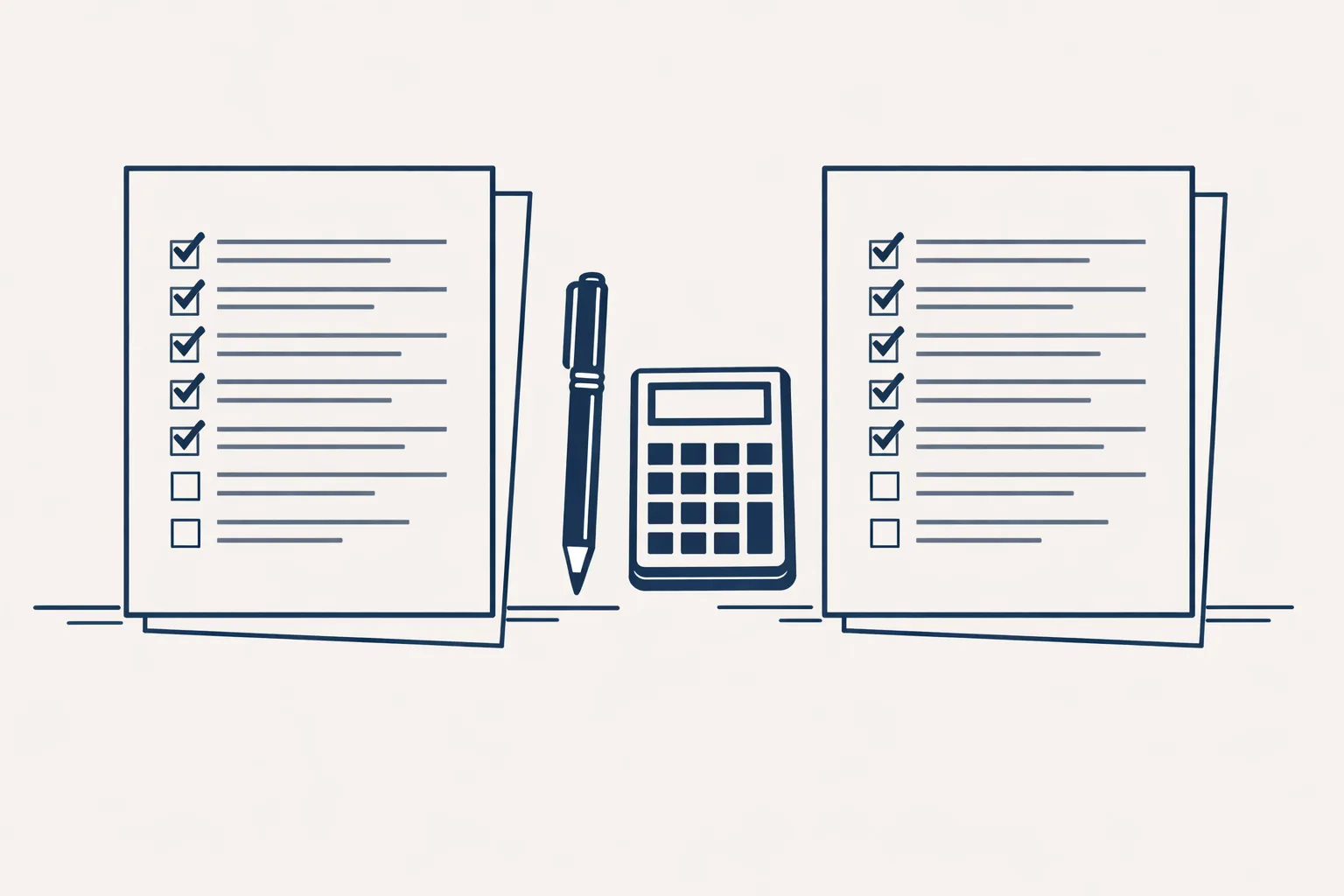
Tick each job you do at least weekly. The more you tick, the more room there is for an assistant to help.
How do you pick one that is useful?
Pick one that answers your real questions from your own records, and ask what happens when it doesn't know.
Think of an accountant's office testing a new tool. They would give it five real, boring tasks and see what comes back. A good tool does those well and says 'I'm not sure' when it isn't. A poor one sounds confident about everything.
Here are steps you can follow for any assistant:
- Write down three jobs you do every week that eat time.
- Try the assistant on each one, with real material.
- Check the result line by line against what you'd have written.
- Note when it was wrong, and whether it told you it was unsure.
- Ask where your data goes and who can see it.
- Keep the one that saves time without surprising you.
Where do AI assistants fit into a normal week?
They fit best in the gaps: the first draft, the quick lookup and the morning sort.
A plumber's office might use an assistant to turn site notes into a tidy quote request, then check and send it. A bakery might ask for a short summary of a long supplier email. An online shop might have it draft answers to the same five customer questions.
The pattern is always the same. The assistant does the first pass. You do the last one.
We build the kind that sits inside your own mail, files and accounts. Running today: sales invoicing, supplier bills, purchase orders, invoice filing, a daily mail digest and a business brain that reads a whole archive. Customer reply drafts and enquiry follow-up are offered, built to order. We don't run phone or voice assistants, or chatbots on websites.
Is it worth it for a small business?
It's worth it when it takes back routine hours you'd rather spend on customers.
A family business doesn't need the most advanced thing. It needs the dull jobs done reliably. Start with one job, watch it for a few weeks and see how it feels.
Be wary of anyone who promises a big saving before they've seen how you work. The honest answer is, it depends on the job.
Use the checklist below to spot jobs worth handing over. Every step starts with your approval, then you choose when it goes automatic.
Questions
What do AI assistants for business do?
They draft, summarize, search and answer questions, using your own documents when they have access.
Can an AI assistant replace my staff?
No. It takes routine parts of the job. People still decide and check.
Are AI assistants accurate?
Mostly, but not always. Read what they produce, and check numbers and dates.
Does an assistant need access to my email?
To help with your mail, yes. Ask how access works and who can see it.
Do you offer voice assistants?
No. We build assistants that work in your mail, files, sheets and accounts.
Tell us your workflow. We will build it around you.
Tell us which three jobs eat your week. Write to hello@thenewaiemployee.com and we'll tell you what an assistant could take on.
Talk to us Related service: Services