Home › Blog
AI employees and AI automation, explained
Plain guides on AI employees, workflow automation and the work they take off a business. Every article says what runs today and what is built to order.
Guide
AI voice agents: what they can and can't do
AI voice agents answer phone calls with a spoken voice. What they do well, where they fail, and how to judge if your calls suit one. We don't sell them.
5 min readLatest articles
Guide
Conversational AI for business: chat, email and phone
Conversational AI lets software talk with people in plain language. Learn how it works in chat, email and phone, and which of these we really build.
5 min read
Guide
AI agent platform: what to compare before you buy
An AI agent platform builds and runs AI helpers. What to compare before you buy: control, cost, records and how it handles mistakes.
5 min read
Guide
How to create an AI agent, and when not to
How to create an AI agent in plain steps: pick a small job, write the rules, test on copies. Plus the cases where it's wiser not to build one at all.
5 min read
Guide
No code AI agent builders: can you build your own?
A no code AI agent builder lets you make a simple helper without coding. What it does well, where it gets hard, and when to get one built for you.
5 min read
Guide
Custom AI agents: when a ready-made tool isn't enough
Custom AI agents are built around one job in your business. Learn when a ready-made tool is enough, when it isn't, and what building a custom one involves.
4 min read
Guide
AI automation near me: does local really matter?
Searching for AI automation near me? Learn when being local helps, when it doesn't, and what to check in any provider, near or far, before you hire.
4 min read
Guide
AI agency: what it does and how to choose one for your business
What is an AI agency, what does it do for a small business, and how do you choose one? Questions to ask, red flags to watch for and what good looks like.
5 min read
Guide
AI scheduling assistant: ending the back-and-forth of finding a time
An AI scheduling assistant ends the 'does Tuesday work?' emails. Here is how scheduling tools work, what to look for, and the honest limits of ours.
4 min read
Guide
AI powered personal assistant for busy owners: work and home admin handled
An AI powered personal assistant for busy owners: what it takes off your plate, what it can't do and how to start safely.
4 min read
Guide
AI secretary: mail, files and drafts handled, and where a person is still needed
An AI secretary can sort your mail, file documents and prepare drafts. Calls and calendar are a different story. Here is what it handles, honestly.
4 min read
Guide
AI virtual assistant vs a human virtual assistant: how to choose
AI virtual assistant or a human one? A plain comparison of judgment, speed and trust, and how to choose, or use both.
4 min read
Guide
The best AI assistant for a small business: what to look for
The best AI assistant for a small business is the one that fits your work. Here is what to look for, what to test and what to ask before you choose one.
5 min read
Guide
AI assistants for business: what they really do, day to day
AI assistants for business: what they really do day to day, what they can't do, and how to tell a useful one from a toy. Plain words, everyday examples.
4 min read
Guide
AI assistant, AI agent or AI employee: what is the difference?
An AI assistant answers you, an AI agent does steps, and an AI employee owns a job. Here is the difference in plain words, with everyday examples.
4 min read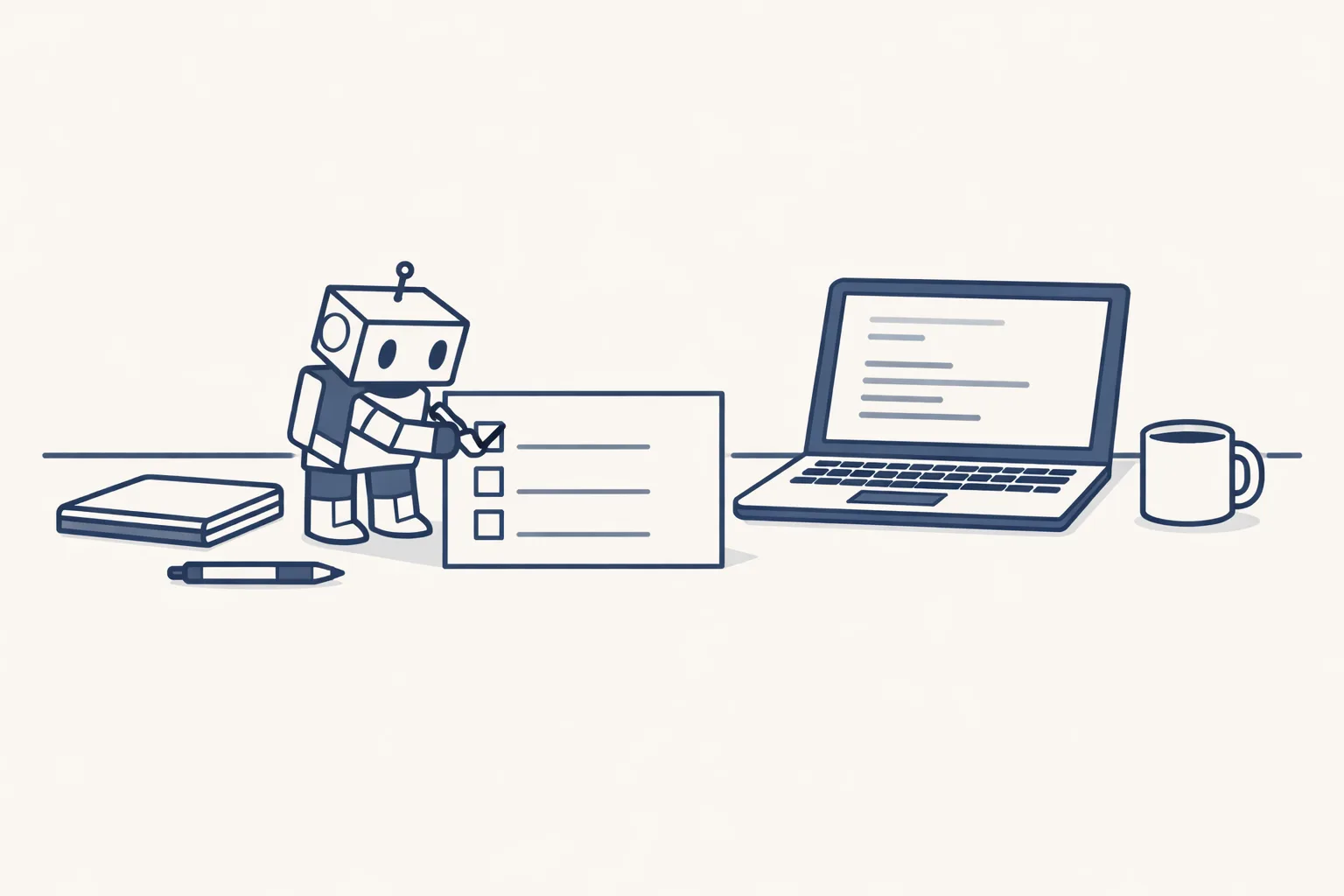
Guide
What is an AI agent? A plain-words guide for business owners
What is an AI agent? In plain words: software that is given a goal, uses your tools to work toward it, and checks back with you. Honest limits.
5 min read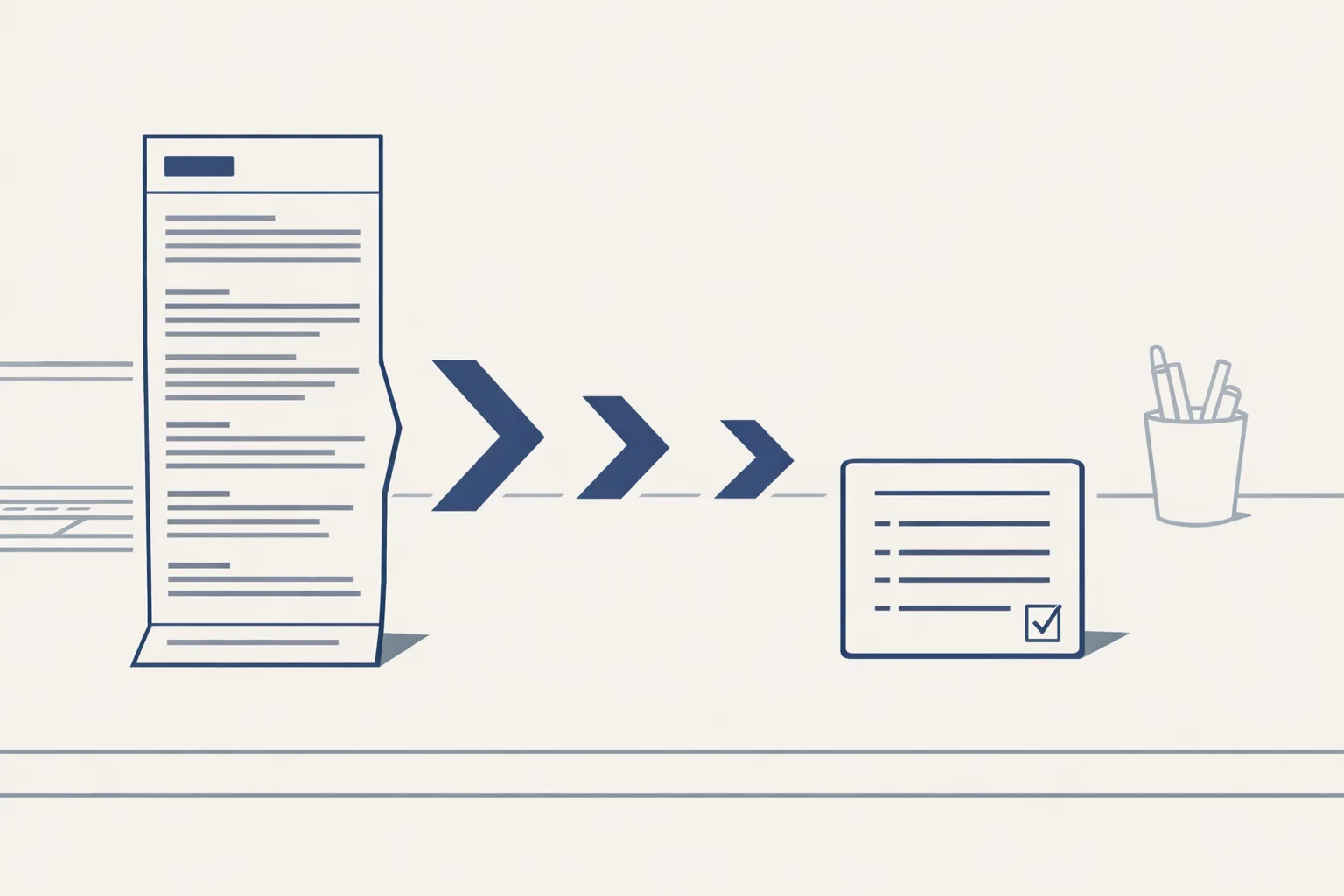
Guide
Summarize AI: long emails and threads down to five lines
Summarize AI in plain words: how it shrinks long emails, threads and documents to a few lines, where it goes wrong, and how to check a summary quickly.
5 min read
Guide
CRM data: how to clean it up with AI, and keep it clean
CRM data goes bad quietly: doubles, old names, empty fields. Here is what messy CRM data costs, how AI cleans it from your own records, and where to start.
5 min read
Guide
AI-powered documentation tools: write it down once, use it every day
AI-powered documentation tools write down how your business works, from the mail and files you already have, so the know-how stops living in one head.
5 min read
Guide
AI in Excel: what it can do with your spreadsheets, and what to check
AI in Excel can clean messy data, write formulas, spot errors and sum up a sheet in words. See what to trust, what to check and where we fit in.
4 min read
Guide
Private AI: how to use AI and keep your company data yours
Private AI means using AI without losing control of your company data. The questions to ask any provider, what to keep out and how we handle files.
4 min read
Guide
Notebook AI: one notebook that knows your whole business
Notebook AI keeps your documents and notes in one place and answers from them. See what to put in and how a company version works.
4 min read
Guide
AI-powered research assistant: finding answers in your own company files
An AI-powered research assistant for your own company files reads the archive for you and shows what is where. See what it does today and how to prepare.
4 min read
Guide
AI note taker: how meetings get written up for you
An AI note taker turns a recording or rough notes into tidy minutes, an action list and draft follow-up emails. See how it works and what to check.
4 min read
Guide
AI summarizer for business documents: long files, short notes
An AI summarizer turns long contracts, reports and emails into a short note you can read in a minute. See what it does well and where to be careful.
5 min read
Guide
Cold email follow up templates you can copy, and when to send each
Cold email follow up templates you can copy: a short reminder, a helpful note, an easy question and a polite goodbye, and when to send each.
4 min read
Guide
AI and sales: what really changes for a small business
AI and sales for a small business: the jobs that change, the jobs that stay human, and an honest look at what to try first. Includes a simple checklist.
4 min read
Guide
AI sales tools for small teams: what to look for before you buy
AI sales tools for small teams: what each kind does, how to pick one without wasting money, and how to start with the sheet and mailbox you already use.
5 min read
Guide
AI sales agent: what it actually does in a working day
An AI sales agent does the repeat work around selling: finding leads, drafting emails, following up and keeping records. See a normal day.
4 min read
Guide
Not interested email: how to reply, and when to say nothing more
A not interested email is not the end. Learn how to reply in one kind line, when to ask a single question, when to stop, and what to log for later.
5 min read
Guide
Email warmup tools: what they do and whether you need one
Email warmup tools explained: why a new address needs a slow start, when you can skip the tool, and a simple way to plan your own ramp-up.
4 min read
Guide
Email deliverability: why your emails land in spam, and how to fix it
Email deliverability in plain words: why good emails land in spam, the three sender checks to set up and the habits that keep you in the inbox.
5 min read
Guide
Lead intelligence platform: how to know which leads deserve your call
A lead intelligence platform tells you which leads deserve a call. See what it checks, what a simple version looks like and how to start with a sheet.
5 min read
Guide
AI lead generation tools: what they really do, and what to check before you pay
AI lead generation tools in plain words: the kinds that exist, what each does, what they can't do and what to ask before you pay. Quick checklist.
4 min read
Guide
AI lead generation: how to find customers without becoming a spammer
AI lead generation without spam: how AI finds real businesses in public sources, writes fitting first emails and stops when asked. With a checklist.
5 min read
Guide
B2B lead generation companies vs doing it yourself: what to look for and what to ask
B2B lead generation companies or doing it yourself? What each involves, what to ask before you hire, and a calculator for your own hours.
4 min read
Guide
Should you buy email lists? Why most small businesses shouldn't, and what works instead
Should you buy email lists? Why most small businesses shouldn't, what goes wrong and what to build instead. With a calculator for doing it yourself.
5 min read
Guide
Email pitch examples for a small business: three short ones you can adapt
Email pitch examples for a small business: a pitch to a client, a partner and a local shop, with the plain structure and what to avoid.
5 min read
Guide
Sample cold email to potential client: a plain example, line by line
Sample cold email to potential client, line by line: why each part is there, how to adapt it to your trade, and the mistakes that make people delete.
5 min read
Guide
Cold email subject line: how to write one that gets opened and stays honest
A cold email subject line decides if your email is opened. Plain rules, honest examples for everyday trades, and what to avoid. Includes a quick checklist.
5 min read
Guide
Cold email follow up: how often to do it, what to say and when to stop
Cold email follow up in plain words: how many times to follow up, how long to wait, what to write each time and when to stop. Includes a time calculator.
4 min read
Guide
AI agents for marketing: the calendar, the posts and the reports, one by one
AI agents for marketing in plain words: how a calendar, posts and reports fit together, what runs today, what is built to order, and a short checklist.
4 min read
Guide
AI marketing automation for a small team: what to hand over and what to keep
AI marketing automation for a small team, in plain words: what it can take off your plate, what should stay human, and how to start with one routine.
5 min read
Guide
Agent digital marketing: should you hire a digital marketing agent or build your own?
Agent digital marketing in plain words: what a digital marketing agent does, what hiring one looks like, what building your own means, and how to choose.
4 min read
Guide
Marketing agent, agency or AI: how to choose the one that fits your business
Marketing agent, agency or AI employee? A plain comparison of what each does, how they differ, and a simple way to count your own marketing hours first.
4 min read
Guide
AI marketing agent: what it can write and post for you, and what stays with you
An AI marketing agent in plain words: what it can write and post for you, what it can't, and how to tell if it fits a small business. Quick checklist.
5 min read
Guide
AI video generation tools: what free gives you and what paid adds
AI video generation tools, free vs paid: what each kind does, what you pay for, and a simple way to test one before you commit. Plain words, no hype.
5 min read
Guide
Video AI for Social Media: Short Videos, No Film Crew
Video AI lets a small business make short social videos from a topic list: a script, a voice, pictures and captions. No film crew, no studio.
4 min read
Guide
AI Powered Video Editing Tools for Busy Owners
AI powered video editing tools cut pauses, add captions and resize clips. See what they do well, what still needs you and how to save editing time.
4 min read
Guide
AI Video Creation Software: What to Look For Before You Pay
Choosing AI video creation software? Here's what to look for, the warning signs to avoid and a simple way to test a tool before you pay.
4 min read
Guide
AI Generated Video: Will Your Customers Notice?
AI generated video can look good, but customers often notice. See what gives it away, when it matters and how to keep their trust.
4 min read
Guide
AI Video Generation for Small Business: A Plain Guide
AI video generation turns a description into moving pictures. A plain guide for small business: what it does well, where it slips, and where to start.
4 min read
Guide
How to Make AI Videos for Your Business, Step by Step
How to make AI videos for your business: write a short script, add a voice and pictures, add captions, check it and post. A plain step-by-step guide.
4 min read
Guide
AI Summary in Search: Write So You Get Summarized Right
An AI summary in search boils your pages down to a few lines. Here's how to write so the summary says what you mean, with a simple checklist.
5 min read
Guide
Google Workspace for AI: Getting Your Files Ready
Google Workspace for AI works best when your Drive, Sheets and mailbox are tidy. Here's a plain checklist to get your files ready, step by step.
4 min read
Guide
Generative AI Models Explained for Business Owners
Generative AI models are the trained programs behind AI writing, pictures and voices. Here's how they differ, where they slip and how to choose.
5 min read
Guide
AI Answer Engines: How to Be the Business They Quote
An AI answer engine writes one answer instead of a list of links. See how it picks sources, and how to turn your repeat questions into answers it quotes.
5 min read
Guide
DeepSearch AI: What It Reads About Your Company
DeepSearch AI spends minutes researching a company and writes a report. See what it reads about yours, what it gets wrong and how to check.
5 min read
Guide
AI Search Agents: How AI Picks Which Business to Recommend
An AI search agent searches, reads and compares for the customer, then suggests a few names. See how it picks a business, and how to be easy to pick.
5 min read
Guide
What Is Generative AI, and Why It Changes How People Search
What is generative AI? Software that writes, draws and answers in plain language. Here's what it means for small businesses and for how people search.
5 min read
Guide
Google Search AI: What Changed for Small Businesses
Google search AI now writes answers above the results. See what changed for small businesses and how to be the page it quotes, in plain words.
5 min read
Guide
Google AI overview: how to give your pages a fair chance of showing up
An AI overview is the short AI answer at the top of Google. No one can promise a place in it, but clear pages with plain answers give you a fair chance.
5 min read
Guide
SEO agent: what an AI SEO assistant really does, and what it cannot
An SEO agent is an AI helper that does the steady SEO jobs for you. See what it really does, what it cannot promise and how to judge one honestly.
5 min read
Guide
A multilingual website: one site, three languages, without three times the work
A multilingual website lets customers read your business in their own language. Here is how to build one simply: one design, native words, one update.
5 min read
Guide
AI blogs that people actually read: what separates them from the rest
Most AI blogs are skimmed and forgotten. Here is what makes an AI blog worth reading: a real question, a plain answer, a real example and your own facts.
5 min read
Guide
AI powered content creation platforms: what to compare before you choose
Comparing AI powered content creation platforms? Look at who supplies the facts, where the content lives, how languages work and who checks the result.
5 min read
Guide
Can an AI blogger run your company blog? Mostly yes, with you in charge
An AI blogger can draft, schedule and publish for your company blog. Here is what it can run alone, what needs you, and how to set it up.
5 min read
Guide
AI-assisted writing: how to draft a month of posts in one afternoon
AI-assisted writing lets you draft a month of posts in one sitting. See the simple batch routine, with real examples, and what you still check yourself.
5 min read
Guide
AI copywriting that still sounds like you, not like everyone else
AI copywriting can sound generic. Here is how to keep your own voice: a short voice kit, real examples and one honest read before anything goes live.
4 min read
Guide
AI writing for business: what it does well and where it lets you down
AI writing is great at first drafts and tidying, and poor at facts and judgment. Here is what to hand over and what to keep, with simple examples.
4 min read
Guide
AI content creation for a small business, made simple
AI content creation can turn one month of ideas into finished posts. See what to hand over, what to keep, and how a small business can start.
5 min read
Guide
AI websites: what really changes for a small business
AI websites change two things for a small business: how sites get made, and how people find them. Here is what it means for you, in plain words.
5 min read
Guide
AI website maker vs a web designer: who should build your site?
An AI website maker is quick and cheap to start. A web designer brings judgment. See where each wins, and when a third way fits you better.
5 min read
Guide
Best AI website builder: five questions that choose it for you
Looking for the best AI website builder? No list can tell you, but five plain questions will. Ask them before you pay for anything.
5 min read
Guide
AI website builder or a website built for you: which one fits your business?
An AI website builder gives you a fast first draft. See what it does well, where it stops, and when a website built for you is the better choice.
5 min read
Guide
AI Automation Tools: What They Do, and What They Leave to You
AI automation tools read documents, draft text and move data. What they do well, the seven jobs they leave to you, and how to choose one.
6 min read
Guide
Workflow Automation Tools: Build It Yourself or Rent It Running?
Workflow automation tools link your apps without code, but someone must design, test and fix each flow. Build it yourself, or rent one that runs.
6 min read
Guide
AI for Business: Where It Saves Hours First
AI for business pays back first in routine office work: invoices, bills, the inbox and registers. Where to start, what stays with people, how to run it.
6 min read
Guide
AI Consulting: Advice, or Work That Gets Done?
AI consulting explained: what advice-only work covers, where it stops, what to ask an AI consultant, how it's priced, and when you need a system that runs.
6 min read
Industry
AI for HR Departments: Starter Packs and Handovers
AI for HR departments helps at both ends of a job: starter packs from your templates, signed online, and handover documents before someone leaves.
6 min read
How-to
Purchase Order Process: Five Steps and One-Row POs
A simple purchase order process in five steps: request, price check, approval, issue, and matching. Plus how one sheet row can become a finished PO.
6 min read
Industry
AI for Freelancers: Invoices, Receipts and Contracts
AI for freelancers handles the admin you put off: receipts turned into draft expenses, invoices from your agreed rates, contracts signed online.
6 min read
How-to
Bill Management App or Assistant: Never Miss a Household Bill
A bill management app keeps the list you type in. An assistant finds bills in your mailbox and tracks due dates and renewals. You pay them yourself.
6 min read
Guide
Multi Agent Systems in Business: When One AI Isn't Enough
Multi agent systems split a big job between several AI helpers that pass work along. When that helps, where it goes wrong, and who stays in charge.
6 min read
How-to
AI Meeting Assistant or Draft Minutes? What You Need
An AI meeting assistant records and summarizes. What most teams need next is minutes, actions with owners and dates, and follow-up emails ready to go.
6 min read
How-to
Shipment Tracking Software: One Row per Load
Shipment tracking software for traders: one row per truck or container, every document linked, status from email, and your stock read from the same list.
5 min read
Industry
AI for Retail Stores: Bills, Stock and Prices
AI for retail stores starts in the back office: supplier invoices entered as draft bills, purchase prices tracked, deliveries checked, simple reports.
5 min read
How-to
Gmail Email Templates, and When a Draft Does Better
How to set up Gmail email templates in a few minutes, where they fall short, and when a draft built from your own past answers helps more.
5 min read
Guide
AI Workflow Automation: A Safe Way to Start
AI workflow automation, safely: map the steps, let AI read and draft, keep rules for checks, log every action and keep a way to stop.
5 min read
Industry
AI for Event Planners: Handle the Admin, Enjoy the Event
AI for event planners: enquiry follow-ups, contracts signed online, supplier papers and bills in order, final invoices ready. You stay free.
5 min read
How-to
The Benefits of Invoice Automation, and How to Check Them Yourself
The benefits of invoice automation in plain words: fewer retyped details, steady wording, tidy filing, faster invoices. Check each on your own.
5 min read
Industry
AI for Electricians: Less Paperwork, More Time on the Job
AI for electricians: quotes from past jobs and material prices, job sheets turned into draft invoices, receipts captured. The decisions stay yours.
5 min read
How-to
CRM Workflow Automation: Client Records That Keep Themselves Current
CRM workflow automation keeps client records current from email and invoices: new contacts, last order, last price and open follow-ups.
5 min read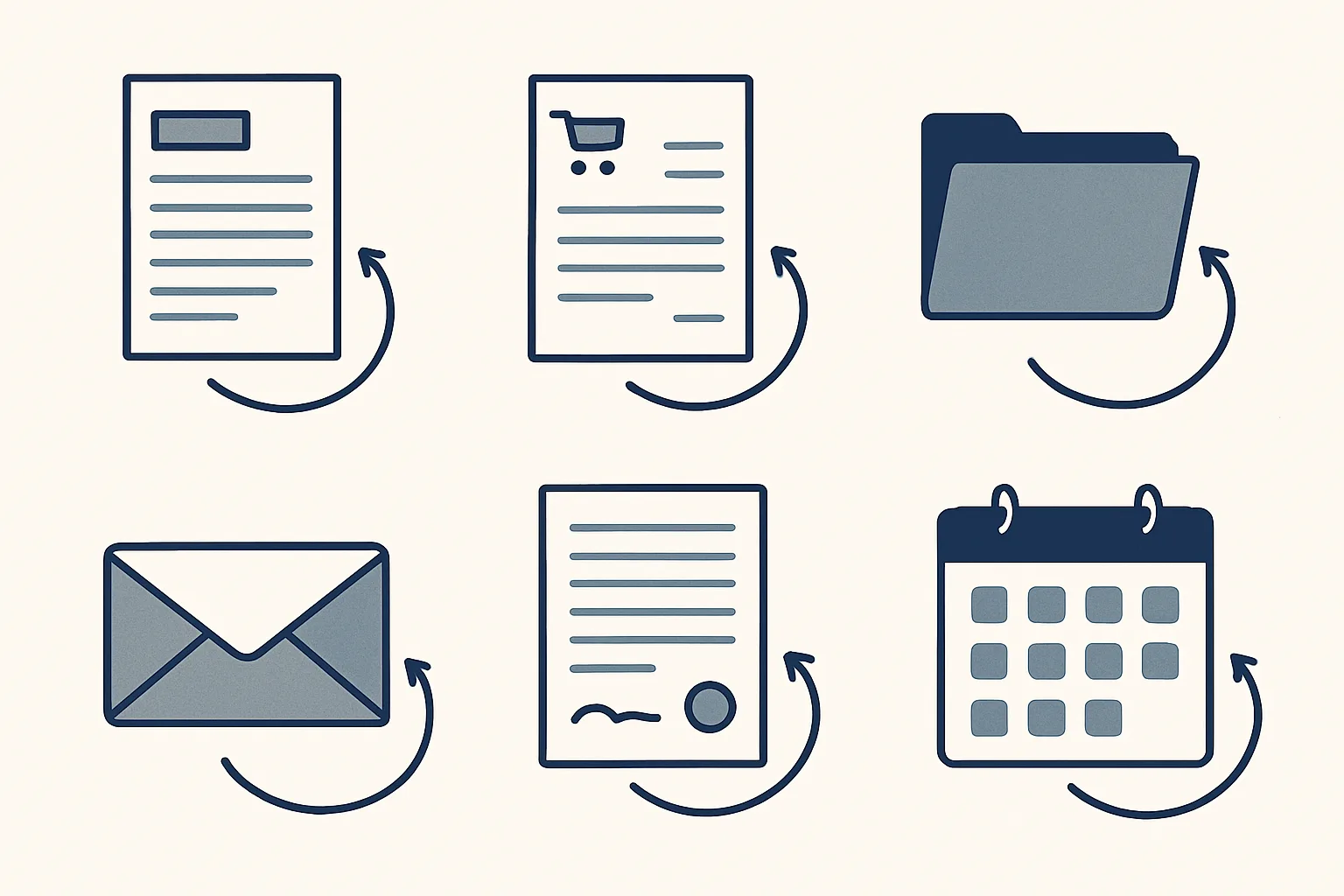
Guide
Workflow Automation Examples: What Real Offices Hand Over
Workflow automation examples from a real office: bills, invoices, orders, filing, mail and HR. Each says if it runs today or is built to order.
5 min read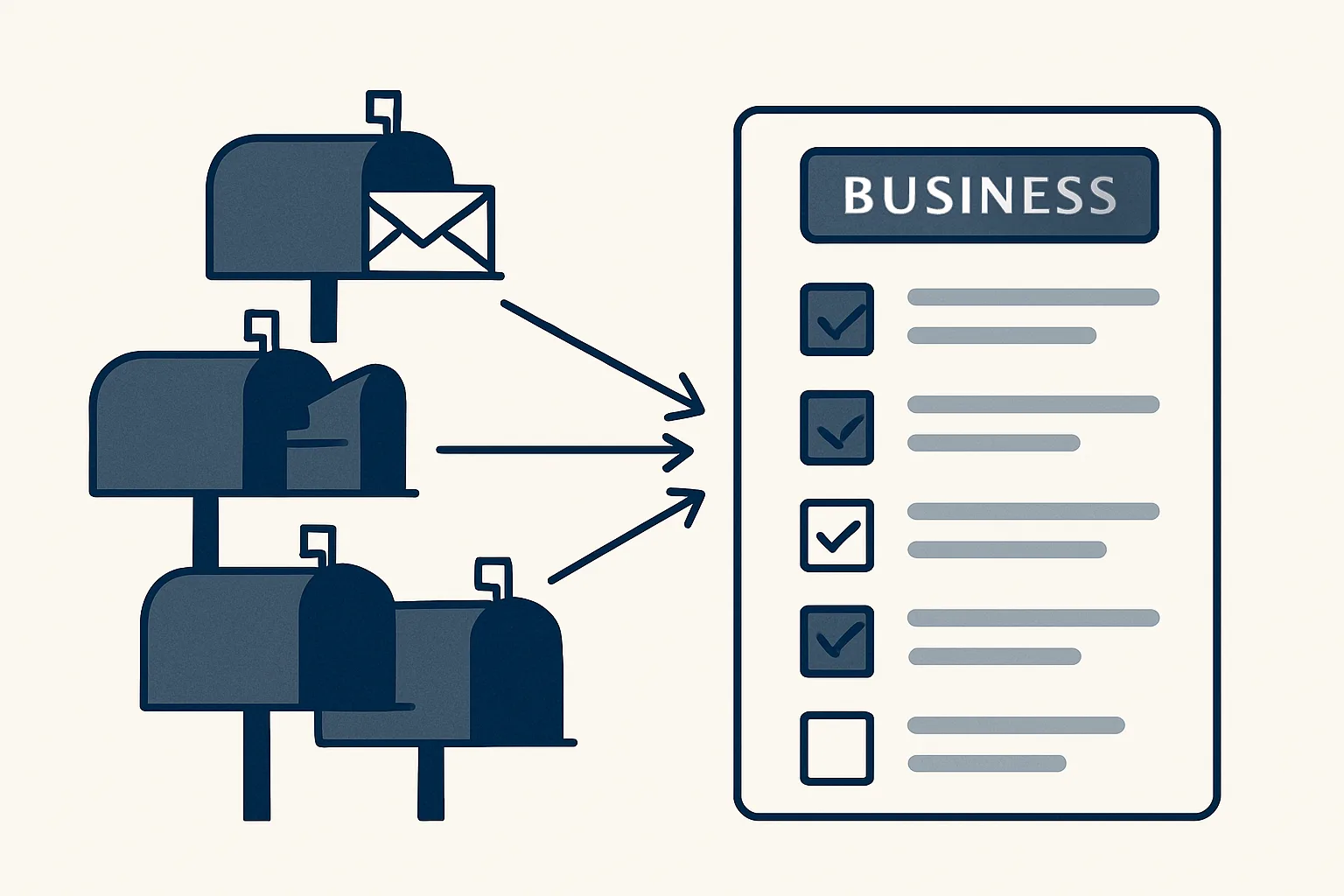
How-to
An AI Email Organizer: One Sorted List Across All Your Mailboxes
An AI email organizer reads every mailbox, tags mail by business and type, filters the noise and gives you one sorted morning list.
5 min read
How-to
A Customer Onboarding Process That Doesn't Need Chasing
A customer onboarding process that asks for documents once, tracks what's missing or expired, files everything and ends in a clear yes or no.
5 min read
Industry
AI for Mortgage Brokers: End the Document Chase
AI for mortgage brokers: ask for documents once, check what arrives, flag what's missing or out of date, and file every item. You review and decide.
5 min read
How-to
HR Automation for Small Teams: Take the Paperwork Off Your Plate
HR automation for small teams: starter packs from your templates, online signing, tidy employee files and expiry reminders. People decisions stay yours.
5 min read
Guide
An AI Governance Framework for a Small Business: Seven Plain Rules
An AI governance framework for a small business, on one page: seven plain rules for what each AI helper does, who checks it and how to stop it.
5 min read
Industry
AI for Family Office Admin: Bills, Renewals and Documents
AI for family office admin: bills tracked, renewals flagged early, documents easy to find, and a morning list of what needs you. Built to order.
5 min read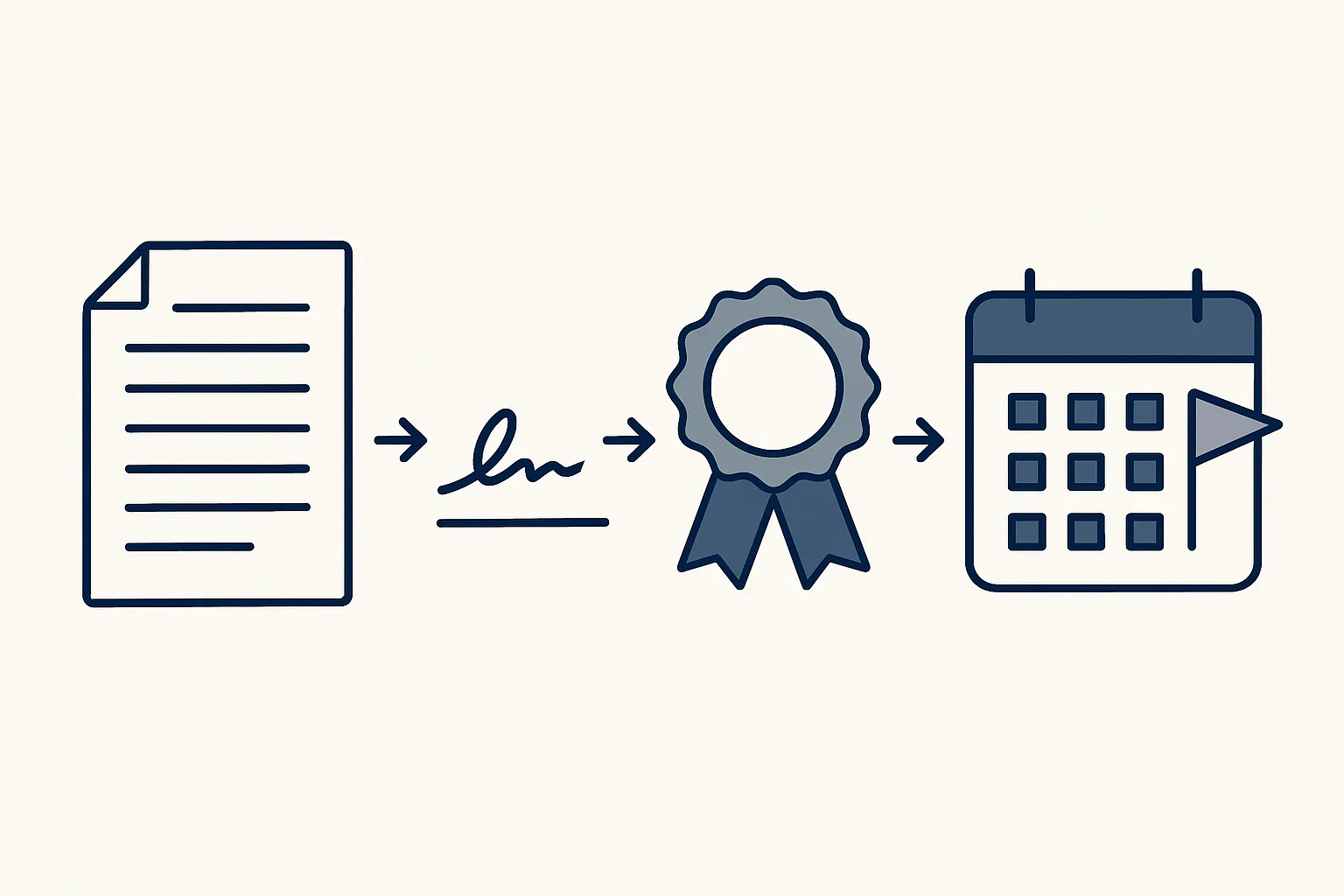
How-to
Contract Management Automation: Never Lose a Contract Again
Contract management automation for small teams: sign online, file the signed copy, and get a heads-up before a renewal date sneaks up on you.
5 min read
Industry
AI for Freight Forwarders: Inbox, Documents and Bills
AI for freight forwarders: sort mail by shipment, read documents into a register, flag unanswered threads and enter carrier bills in your accounts.
6 min read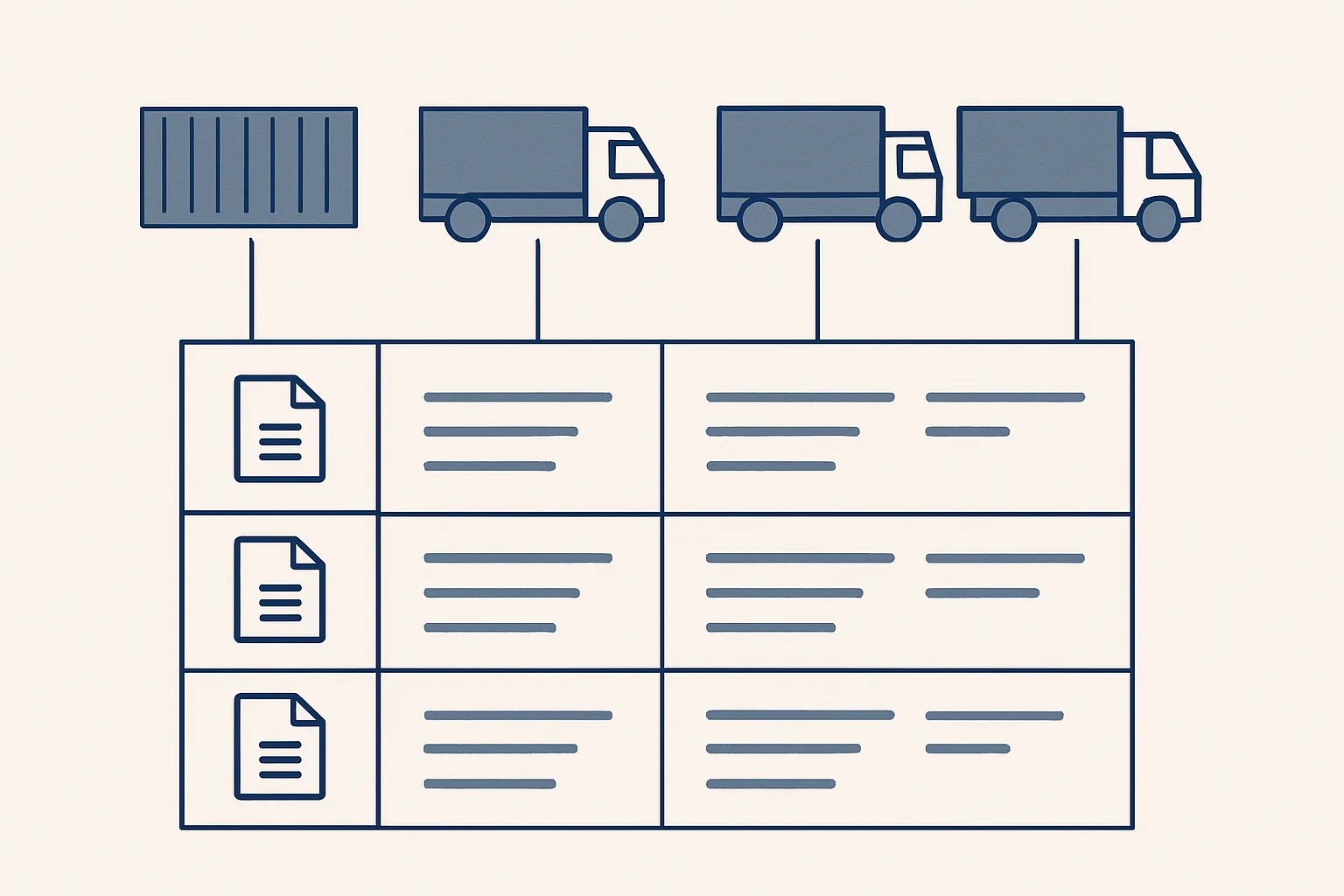
How-to
Stock Management Software or a Shipment Register in a Sheet?
Stock management software suits busy warehouses. A trader moving goods by the truck or container often does better with a shipment register in a sheet.
6 min read
Guide
Agentic AI vs Generative AI: The Difference for Business
Agentic AI vs generative AI in plain terms: one writes when asked, the other carries a task through several steps. Examples, risks and approvals.
6 min read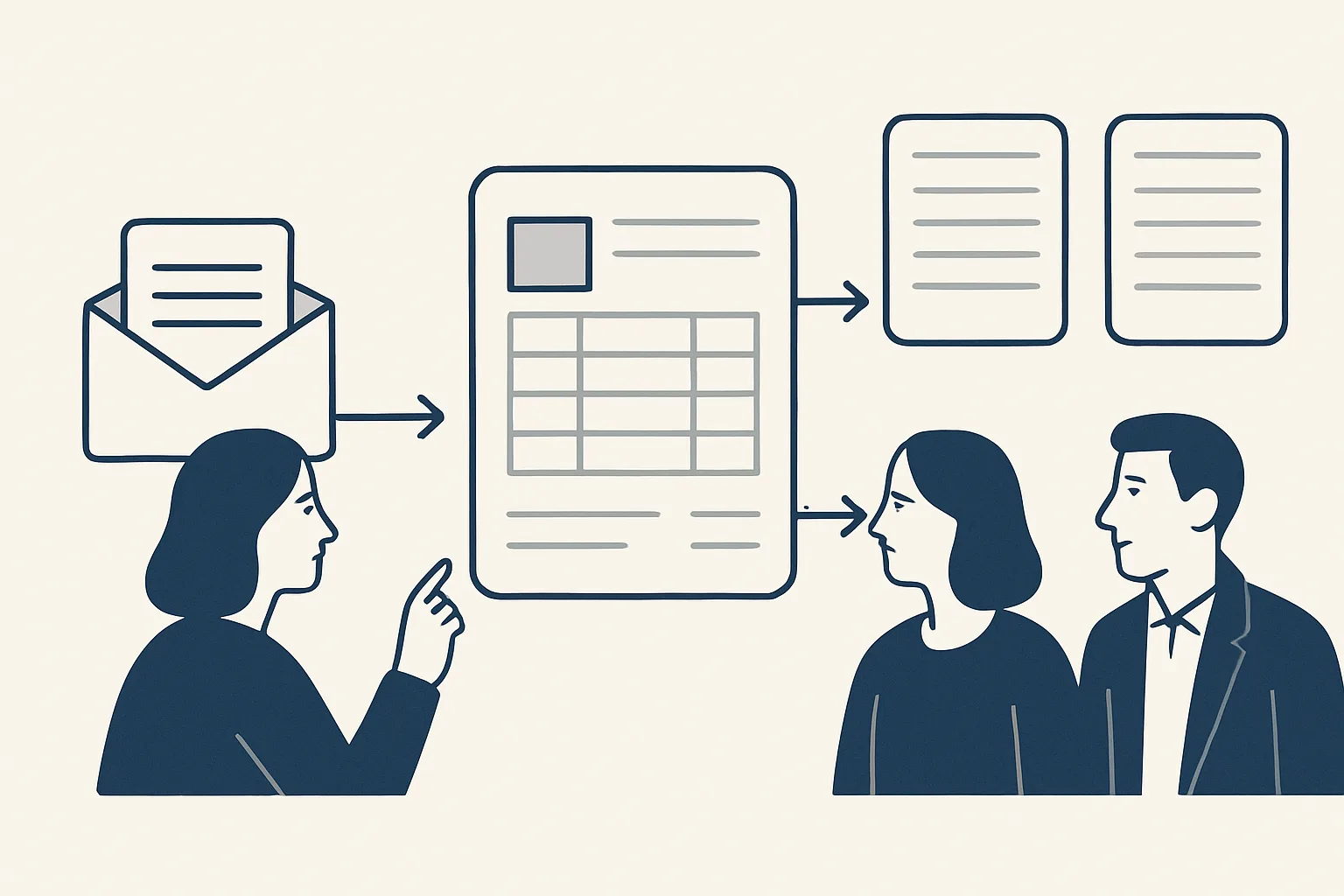
How-to
Sales Order Processing: From Order Email to Confirmed Order
Sales order processing step by step: read the order email or PDF, match customer, product and price, check stock, then draft the confirmation and PO.
6 min read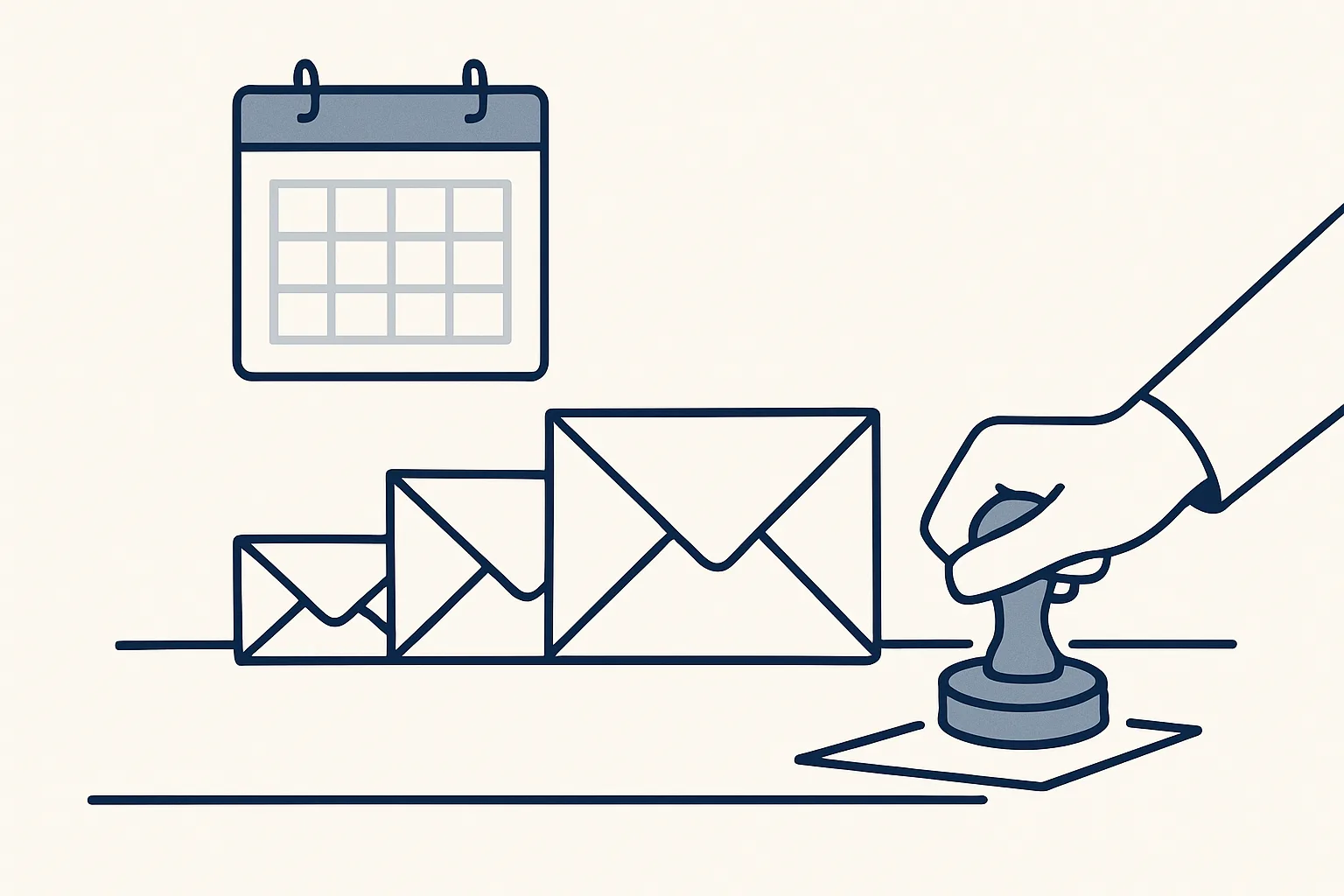
How-to
Automated Payment Reminders: Chase Politely, Stay in Charge
Automated payment reminders done politely: a schedule, wording for each step, and drafts with the invoice attached for you to read and send.
6 min read
Industry
AI for Plumbers: Quotes, Invoices and Receipts
AI for plumbers that takes the evening paperwork: quotes drafted from past prices, invoices from the job sheet, parts receipts as draft expenses.
6 min read
How-to
Knowledge Transfer Process When a Key Employee Leaves
A knowledge transfer process for a key employee who's leaving: what the role really did, open items, deadlines and who takes over, before the last day.
6 min read
Guide
AI Automation Consulting: What Happens Before Anything Is Built
AI automation consulting starts by reading how your work is done today. What the review covers, how jobs are chosen and what the proposal must say.
6 min read
Industry
AI for Dentists: The Practice Admin Behind the Chair
AI for dentists, kept to admin with no patient data: supplier invoices as drafts, staff paperwork, supplier contracts and a tidy shared inbox.
6 min read
How-to
Email Triage: A Simple System for a Busy Business Inbox
Email triage in five piles: act now, reply later, waiting, file, ignore. A simple system for a busy business inbox, and where AI can do the first sort.
6 min read
Industry
AI for Car Dealerships: Inquiries, Follow-Ups and Paperwork
AI for car dealerships, kept practical: every inquiry on one list, replies and follow-ups drafted on time, and sale documents collected.
6 min read
How-to
Price Monitoring From Your Own Invoices: A Price History
Price monitoring from your own invoices: build a price history of what you buy and sell, per unit, to spot supplier rises and quote faster.
6 min read
Guide
Choosing AI Automation Companies: Twelve Questions to Ask
Choosing AI automation companies? Twelve plain questions about the work, your data, mistakes and price, plus the warning signs to watch for.
6 min read
How-to
AI Sales Assistant: Log, Draft and Follow Up Enquiries
An AI sales assistant for incoming enquiries: one list, first replies from your own answers, follow-ups ready when due, and no cold outreach.
6 min read
How-to
How to Automate Data Entry From Emails, PDFs and Scans
How to automate data entry: find where data arrives, read the fields, check them and write drafts you review. Start with the document you retype most.
7 min read
Industry
AI for Insurance Agents: Policy Documents and Renewals
AI for insurance agents: policy documents read into one register, renewals flagged early, replies and reminders drafted for you. And its limits.
6 min read
How-to
Automated Reporting: Weekly Reports That Build Themselves
Automated reporting gathers figures from your sheets, accounts and mailbox on a schedule and builds your weekly report, with every number traced.
6 min read
Guide
What Is Workflow Automation? Meaning, Steps and Examples
What is workflow automation? A plain answer, the three parts of every workflow, everyday office examples and how to map your first one.
6 min read
Industry
AI for Financial Advisors: Meeting Notes and Client Documents
AI for financial advisors works on the paperwork: draft meeting notes, actions, follow-ups and client documents. The advice stays with you.
6 min read
How-to
Invoice Automation Software or a Done-for-You Robot?
Invoice automation software you run yourself, or a done-for-you service built around your sheets and accounts? How they differ and which one fits.
6 min read
Industry
AI for Marketing Agencies: Client Portal, Briefs and Billing
AI for marketing agencies works best on the admin around client work: feedback, meeting notes, invoices and bills. Where to start, and where it stops.
6 min read
How-to
Client Portal Software: What to Look For Before You Choose
Client portal software gives each client one place for tasks, messages and files. What to check before you choose, with a simple checklist.
6 min read
Guide
Autonomous AI Agents: Why Automation Should Be Earned
Autonomous AI agents can plan and run work on their own. Where that is fine, where it is risky, and why a step should earn its freedom first.
6 min read
How-to
Business Dashboard: Build One From the Tools You Already Use
A business dashboard shows the few numbers you check every week, pulled from the sheets and accounts you already use and refreshed on their own.
5 min read
How-to
Best AI Email Assistant: How to Compare Your Options
The best AI email assistant is the one that fits how you work. Four plain questions to ask, and a scorecard to compare any options side by side.
5 min read
Industry
AI for Hotels: Guest Emails, Supplier Bills and Weekly Reports
AI for hotels, in plain words: draft replies to guest emails from your own policies, supplier bills entered for you, and a weekly report in your inbox.
5 min read
How-to
Will AI Replace Bookkeeping? What Changes and What Doesn't
Will AI replace bookkeeping? It takes over much of the typing, not the judgment. Which tasks AI drafts, which stay with you, and how the week changes.
6 min read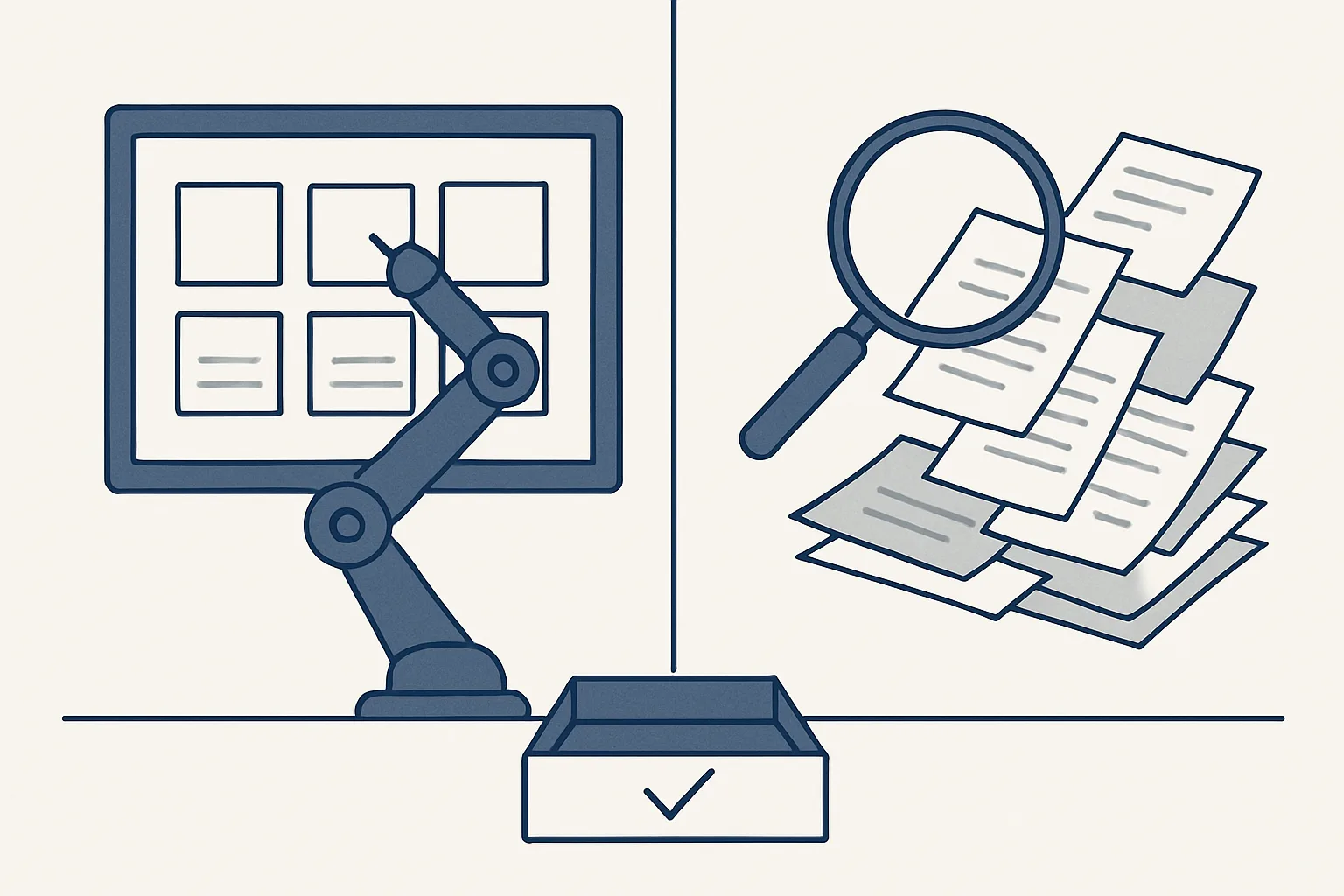
Guide
AI and Robotic Process Automation: RPA vs AI in Plain Words
AI and robotic process automation compared: RPA repeats fixed steps on tidy screens, AI reads messy inputs. When to use each, and how to combine them.
5 min read
Industry
AI for Architects: Fee Proposals, Contracts and Admin
AI for architects works away from the drawing board: fee proposals signed online, contracts filed with a certificate, meeting minutes and stage invoices.
6 min read
How-to
Onboarding Documents Checklist for Every New Hire
A plain onboarding documents checklist: the contract, forms and policies every new hire receives, signs and returns, and where to file them.
6 min read
Industry
AI for Consultants: Proposals, Invoices and Meeting Notes
AI for consultants takes the admin off your evenings: proposals signed online, invoices from agreed fees, meeting notes and expenses.
6 min read
How-to
Supplier Onboarding Checklist: Documents, Checks, Approval
A plain supplier onboarding checklist: which documents to ask for, how to spot missing or expired ones, how to check bank details, and who approves.
5 min read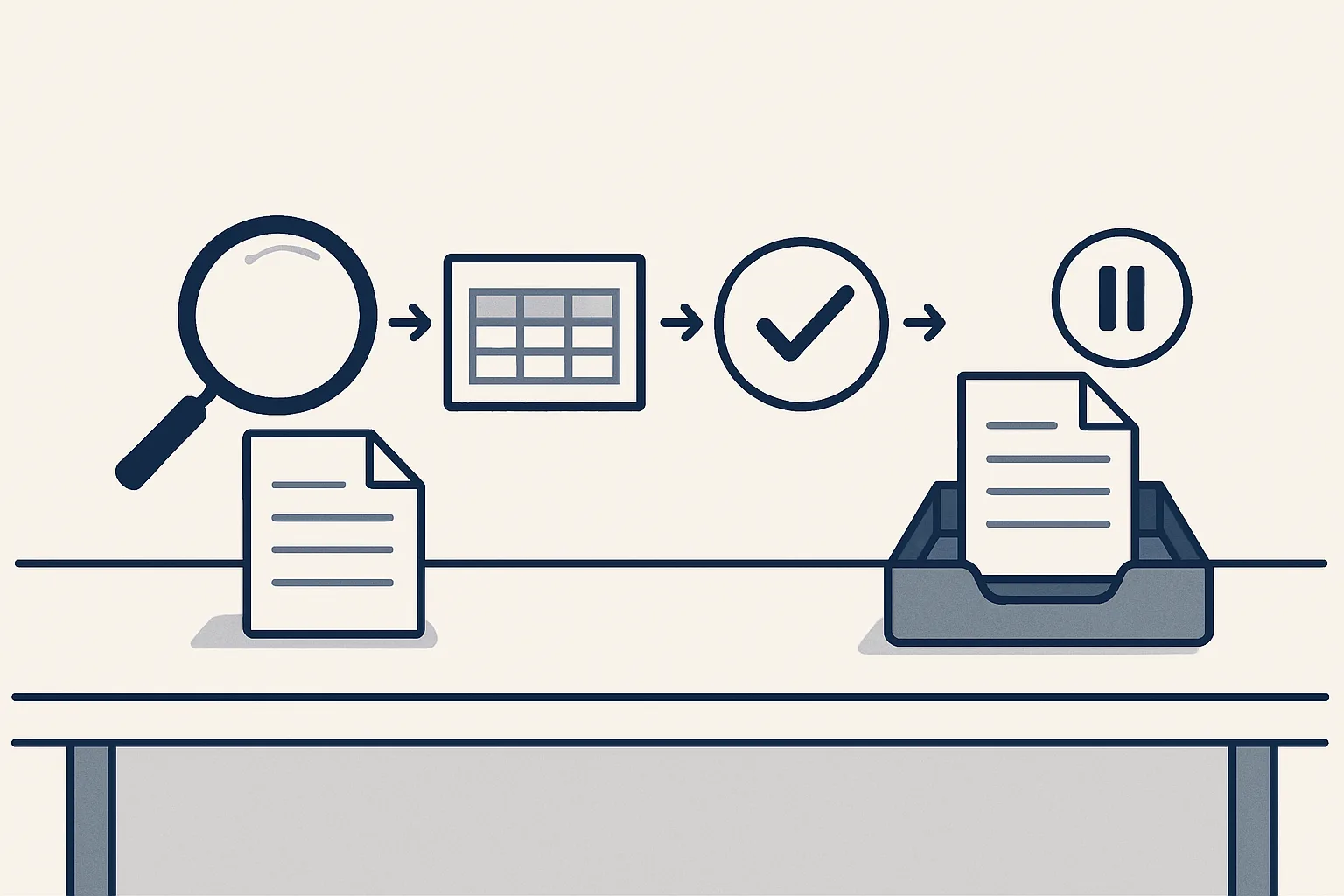
Guide
What Is an AI Agent? A Plain Explanation With Office Examples
What is an AI agent? Software that takes a job and works through the steps itself: reads, uses tools, checks. Plain explanation with office examples.
6 min read
How-to
AI Meeting Notes: Minutes and Actions Without the Typing
AI meeting notes turn a recording or rough notes into draft minutes: decisions, actions with owners and dates, and follow-up emails ready for you to check.
5 min read
How-to
Cash Flow Forecasting Software: What You Really Need
Cash flow forecasting software shows what money will come in and go out, so a tight week never surprises you. A plain checklist for a small business.
5 min read
Industry
AI for Bookkeepers: More Clients Without More Typing
AI for bookkeepers takes the typing out: bills and receipts read into draft entries, filed by client and month, gaps flagged. You check and approve.
5 min read
How-to
Automated Email Response or Drafted Reply: Which Is Safer?
An automated email response goes out unread. A drafted reply waits for you to check it. Learn when each one is safe, and how to use both.
5 min read
Guide
Best AI for Small Business: Pick by the Job, Not the Tool
The best AI for small business does one job you repeat every week, inside the tools you already use. Here's how to compare options in plain words.
5 min read
Industry
AI for Restaurants: Fewer Invoices, Clearer Food Costs
AI for restaurants works in the back office: supplier invoices read for you, every ingredient price on record, receipts sorted. Plain examples inside.
5 min read
How-to
Process documentation: write down what the work really involves
Process documentation in plain words: what to write down, how to build it from emails and files instead of memory, and how to keep it alive.
7 min read
Industry
AI for nonprofits: less typing in the back office
AI for nonprofits, in plain words: draft reports from your sheets, receipts turned into expense entries, and board minutes drafted for you to correct.
6 min read
How-to
Sales call follow-up email: what to send after the call
A sales call follow-up email, step by step: what to include, a simple structure, real examples, and how to draft it from your call notes.
6 min read
Guide
AI automation for small business: where to start
AI automation for small business, in plain words: which admin jobs to hand over first, what to get ready, and how to stay in control.
6 min read
How-to
Document automation software vs document processing: what's the difference?
Document automation software writes documents from your data. Document processing reads the ones you receive. Which does your business need first?
6 min read
How-to
AI powered executive assistant: one page to start your day
An AI powered executive assistant gives you one page each morning: yesterday's new and unanswered emails from every mailbox, sorted by business.
6 min read
Industry
AI for import export: every document in the right shipment folder
AI for import export, in plain words: it reads trade documents, links them to a shipment, spots gaps and prepares draft invoices and bills.
6 min read
How-to
Quote automation: a draft quote ready before you finish your coffee
Quote automation in plain words: a draft quote from the customer, product and your last price, ready to adjust. Built on your own invoices.
6 min read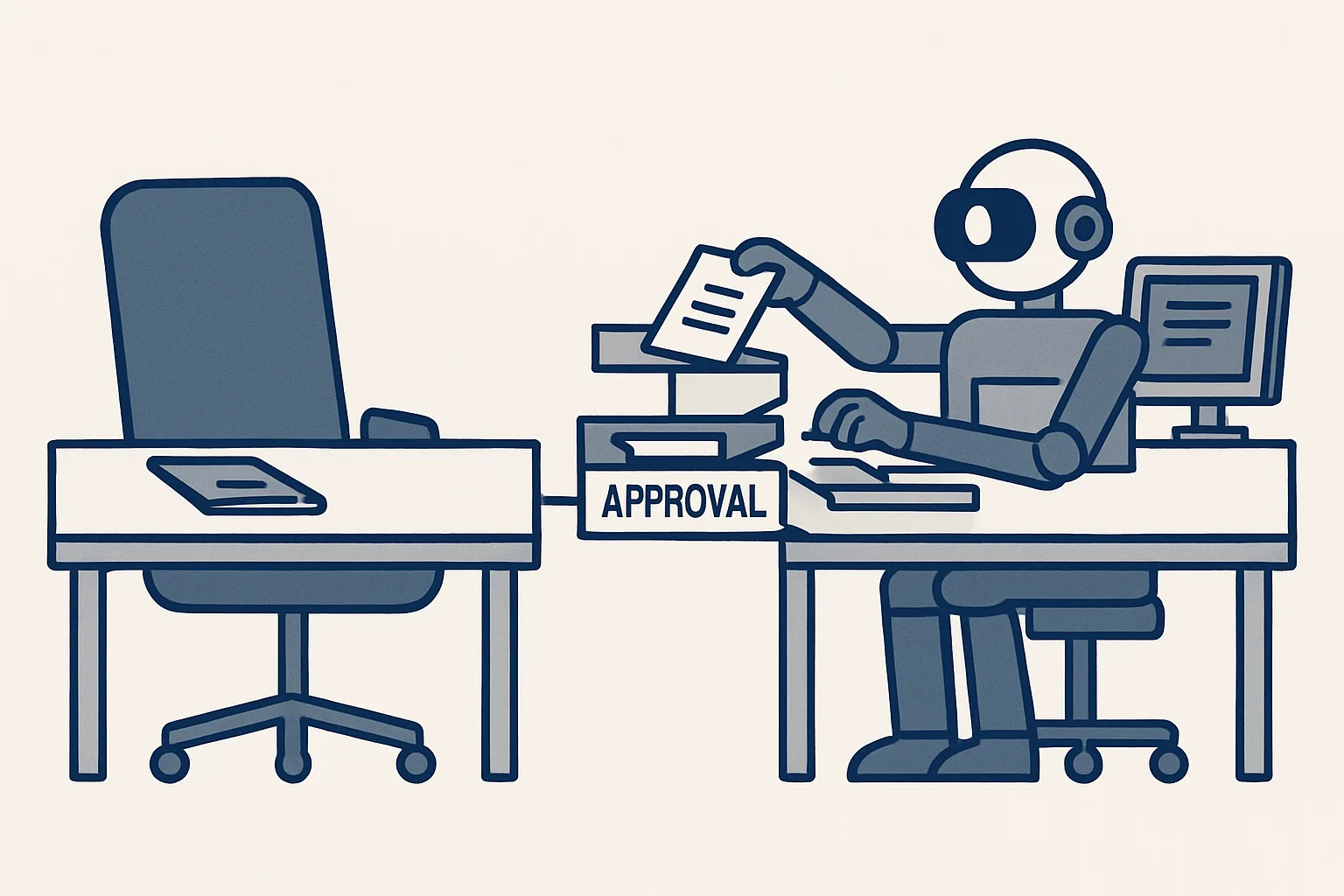
Guide
AI employees vs new hires: which work goes to whom
AI employees or a new hire? A plain guide to which work suits each, which tasks to keep with people, and how the two work together in a small business.
6 min read
Industry
AI for property management: calmer inbox, fewer bills to type
AI for property management, in plain words: sorted tenant mail, draft replies, contractor bills entered and lease dates tracked. You keep the decisions.
5 min read
How-to
Electronic signature: how online contract signing works
An electronic signature explained simply: what gets recorded, how a document fingerprint catches changes, and when to ask a lawyer before signing online.
5 min read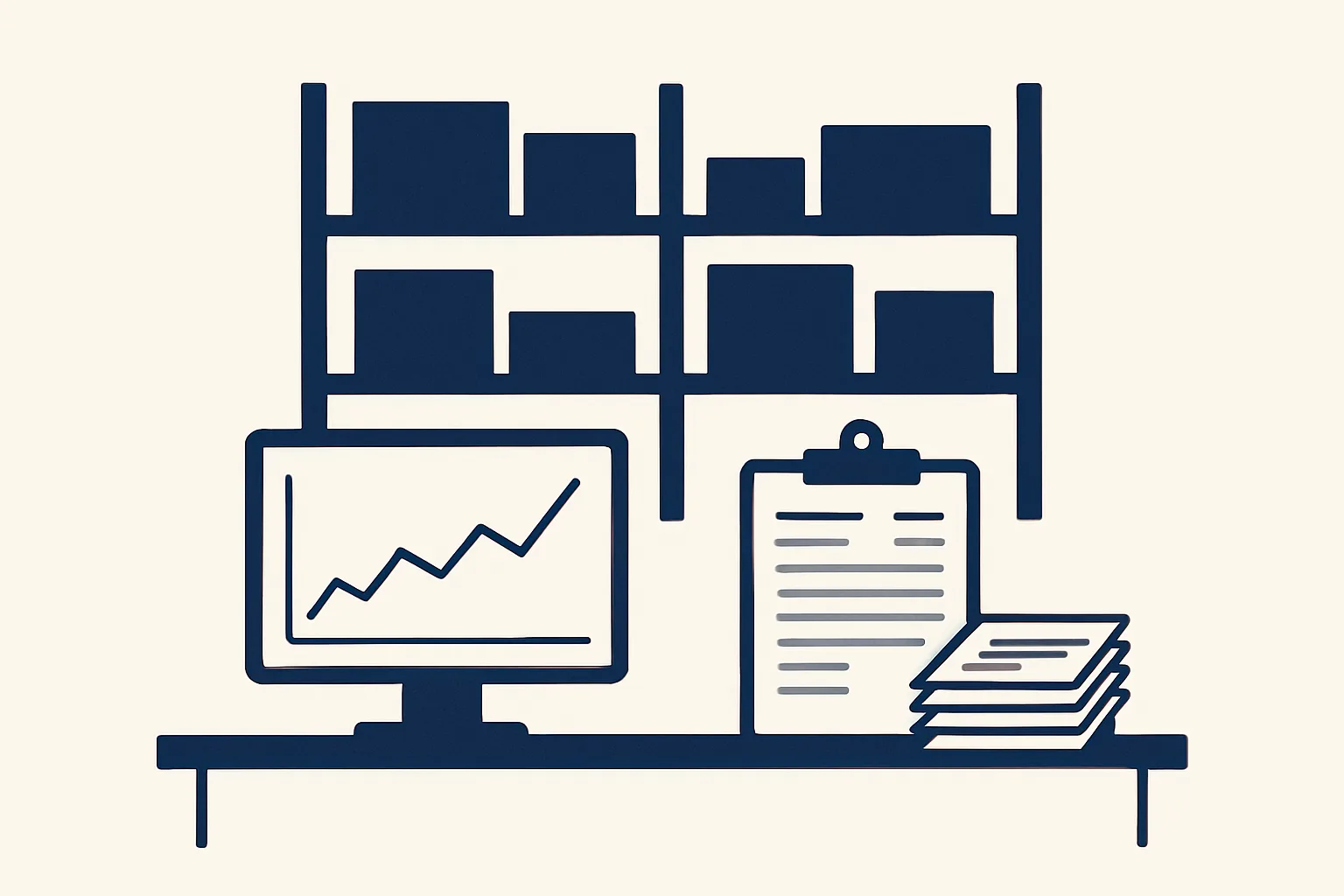
Industry
AI for distributors: less typing, faster quotes, tidier paperwork
AI for distributors, in plain words: a price history, quicker quotes, purchase orders from one row, supplier bills and sales invoices, in your own systems.
5 min read
How-to
A standard operating procedure template anyone can follow
A standard operating procedure template with five simple parts: purpose, start, steps, checks and filing. Write it from your real emails and files.
6 min read
Guide
Hire an AI Employee: Steps, Questions and How Pricing Works
How to hire an AI employee: pick one job, show how it's done today, agree what you approve, ask the right questions and understand the price.
6 min read
How-to
Follow Up Email After No Response: Timing, Wording, Drafts
How to write a follow up email after no response: when to send it, what to say, short examples by situation, and how to track who is waiting.
6 min read
How-to
Bank Reconciliation Automation: How Matching Suggestions Work
Bank reconciliation automation explained: each bank line gets a suggested match with the reason shown, you confirm, and unclear lines stay open.
6 min read
Industry
AI for Logistics: Shipment Registers and Document Flow
AI for logistics paperwork: delivery notes, invoices and customs papers read from email and linked to one row per shipment, with gaps flagged.
6 min read
How-to
Invoice Processing Automation: Capture, Check, Draft, File
Invoice processing automation step by step: pick up invoices from mail and folders, read them, check them, draft the bill with the PDF, and file it.
6 min read
Guide
AI Automation Explained: What It Can Do in a Business
AI automation explained: how it differs from plain automation, what it can read, where you check the work, and good first jobs to hand over.
6 min read
Industry
AI for Ecommerce: Customer Emails, Supplier Bills, Stock
AI for ecommerce in the back office: draft replies to order and returns emails, supplier bills entered for you, product data and stock kept tidy.
6 min read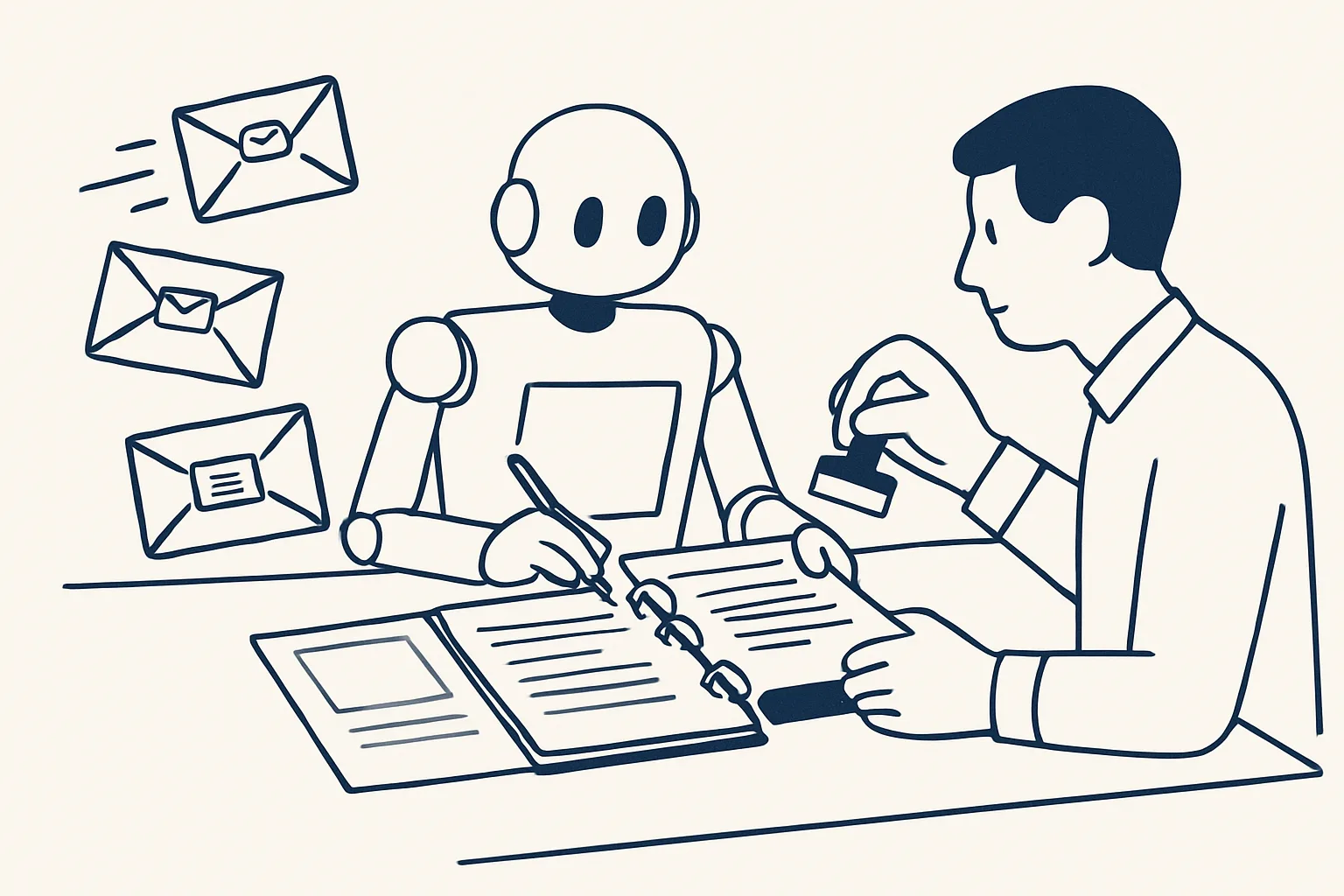
How-to
AI Customer Service by Email: Replies Ready in Your Voice
AI customer service for email, no chatbot: each message read and sorted, a reply written from your own answers, ready in the thread for you.
6 min read
Industry
AI for Law Firms: Intake Documents, Mail and Admin
AI for law firms works best on admin: new-client papers chased and checked, the inbox sorted by matter, routine drafts for a lawyer to review.
6 min read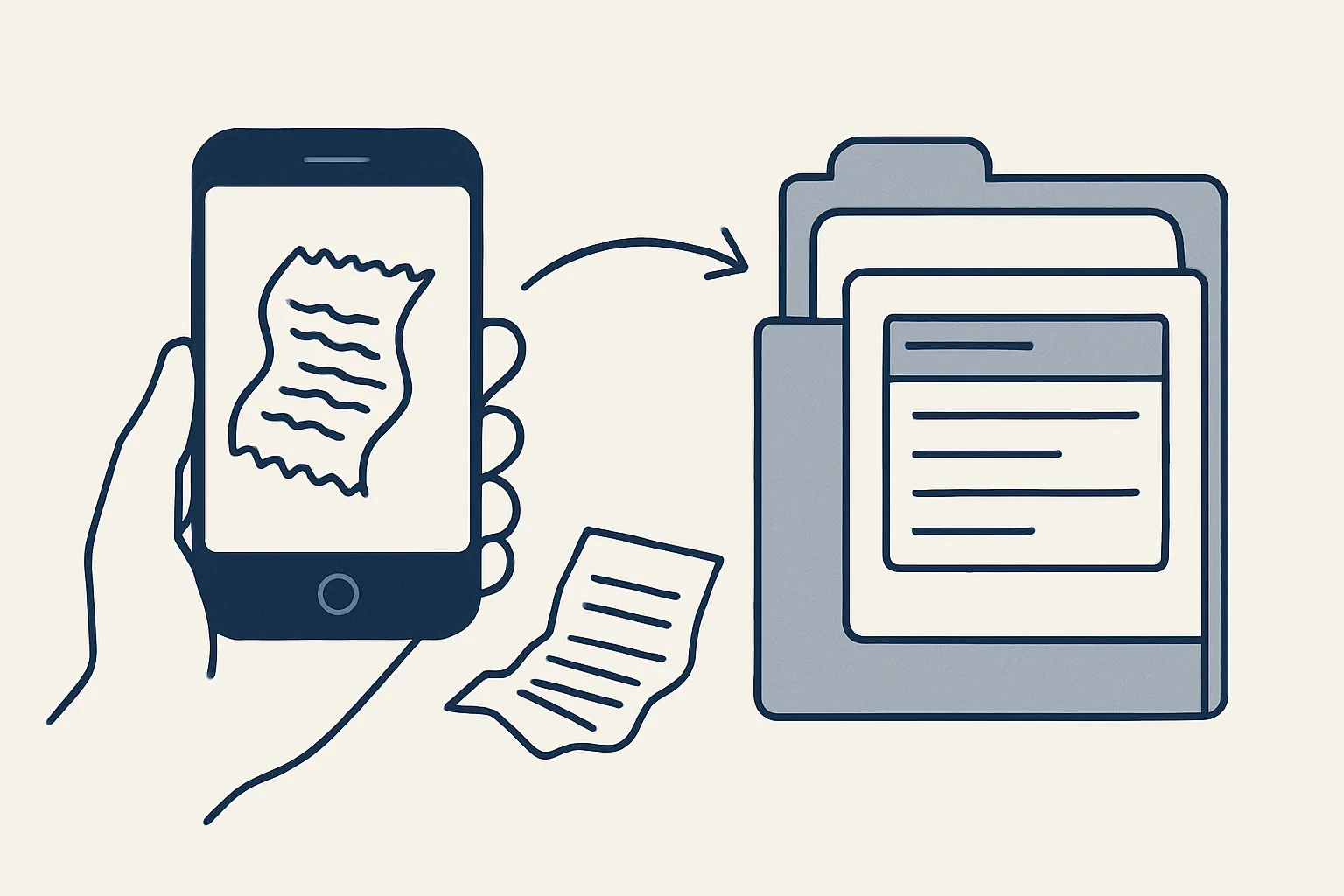
How-to
Receipt Scanning for Business: From Photo to Draft Expense
Receipt scanning for business: a photo or PDF becomes a draft expense with the image attached, sorted by person and month, ready for you to check.
6 min read
Guide
What Is an AI Employee? Plain Answers
What is an AI employee? A plain answer: what it does, whose accounts it uses, who checks its work, and what happens when it's unsure.
6 min read
How-to
No Response Email Reminder: Catch Every Thread Left Unanswered
A no response email reminder flags threads waiting for your reply, or for theirs. Built-in nudges for one inbox, a daily digest for several mailboxes.
6 min read
How-to
Personal AI Assistant for Life Admin: Bills, Renewals, Papers
A personal AI assistant for life admin keeps track of your bills, renewals and papers, and speaks up before a date slips. Here's what it does.
5 min read
Industry
AI for construction: the office paperwork behind every job
AI for construction takes the paperwork off your office: supplier and subcontractor bills, past prices for quotes, signed variations. What runs today.
4 min read
How-to
Intelligent document processing: how a machine reads your paperwork
Intelligent document processing reads invoices and forms, checks the fields and passes them on. How it works in plain words, and what runs today.
4 min read
Guide
AI agents for business: what they do and what they don't
AI agents for business do a whole office task for you, step by step. What they handle well, what stays with people, and how to start with one job.
4 min read
Industry
AI for manufacturing: take the retyping out of orders, bills and invoices
AI for manufacturing starts in the office: purchase orders, supplier bills, price history and invoices. Plain examples, and what runs today.
4 min read
How-to
Accounts payable automation software: what to check before you choose
Choosing accounts payable automation software? A plain checklist: what to test, which exceptions matter, how pricing works and how to run a fair trial.
4 min read
Industry
AI for accountants: the routine goes to the machine, the judgment stays with you
AI for accountants reads client documents, prepares draft entries and chases missing papers. You review and decide. What runs today, what's built to order.
4 min read
How-to
AI bookkeeping: let it do the typing, you keep the decisions
AI bookkeeping reads your invoices and bills and prepares the entries, so your bookkeeper reviews instead of typing. What runs today and what doesn't.
4 min read
How-to
Invoice automation: from a sale to a finished invoice, without the retyping
Invoice automation in plain words: a sheet that remembers clients and products, tax wording applied for you, and a PDF and draft invoice ready to check.
4 min read
How-to
AI email assistant: what it does for your inbox, in plain words
An AI email assistant sorts your mail, sums up what needs an answer each morning and drafts replies from your own past answers. What runs today.
4 min read
Industry
AI for real estate: less paperwork, more time with buyers and tenants
AI for real estate takes enquiry logging, first replies, document chasing and signing off your desk. What runs today, what's built to order.
4 min read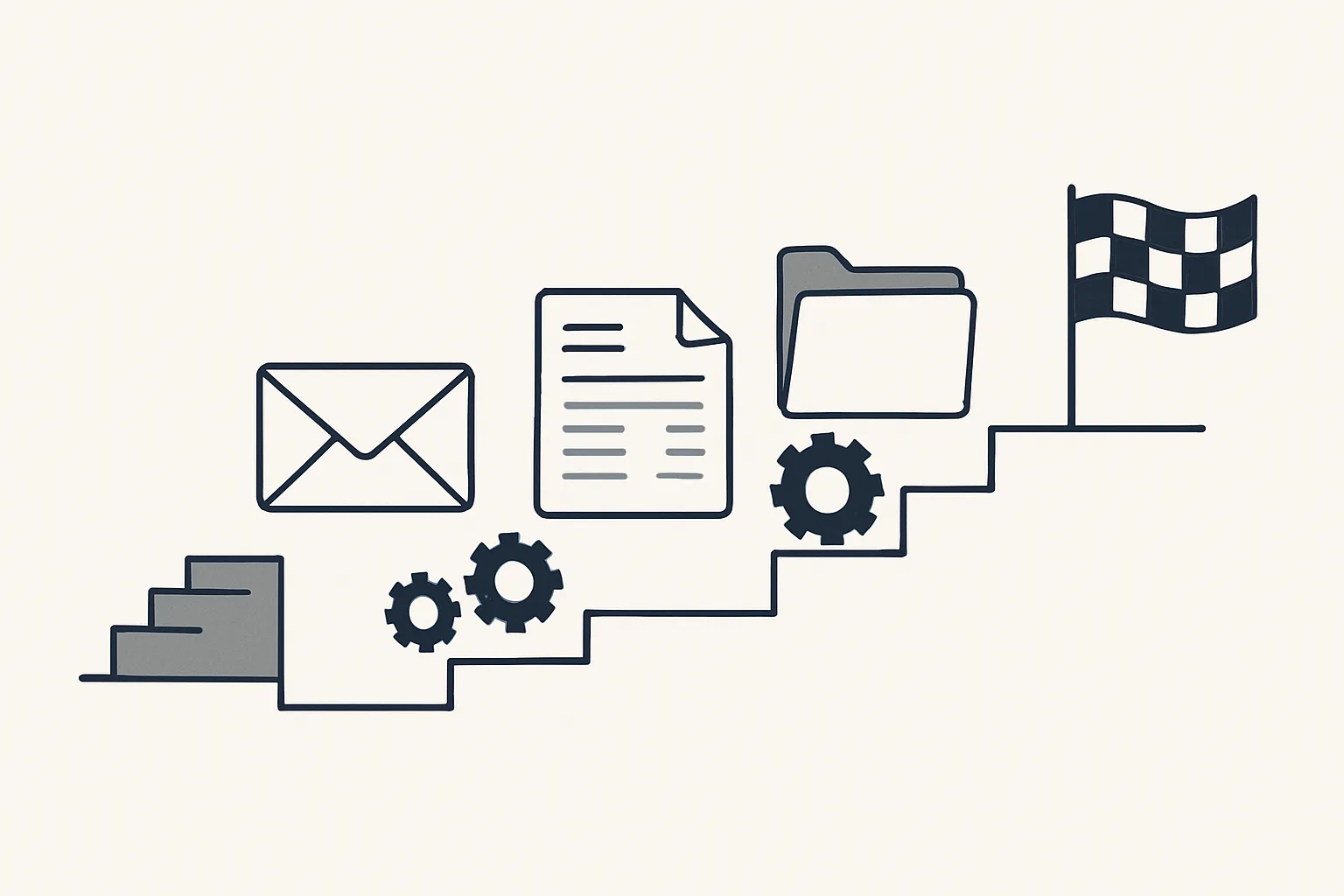
Guide
Business process automation: what it is and where to start
Business process automation in plain words: what it is, which office jobs to automate first, real examples, and how to start without upsetting your day.
4 min read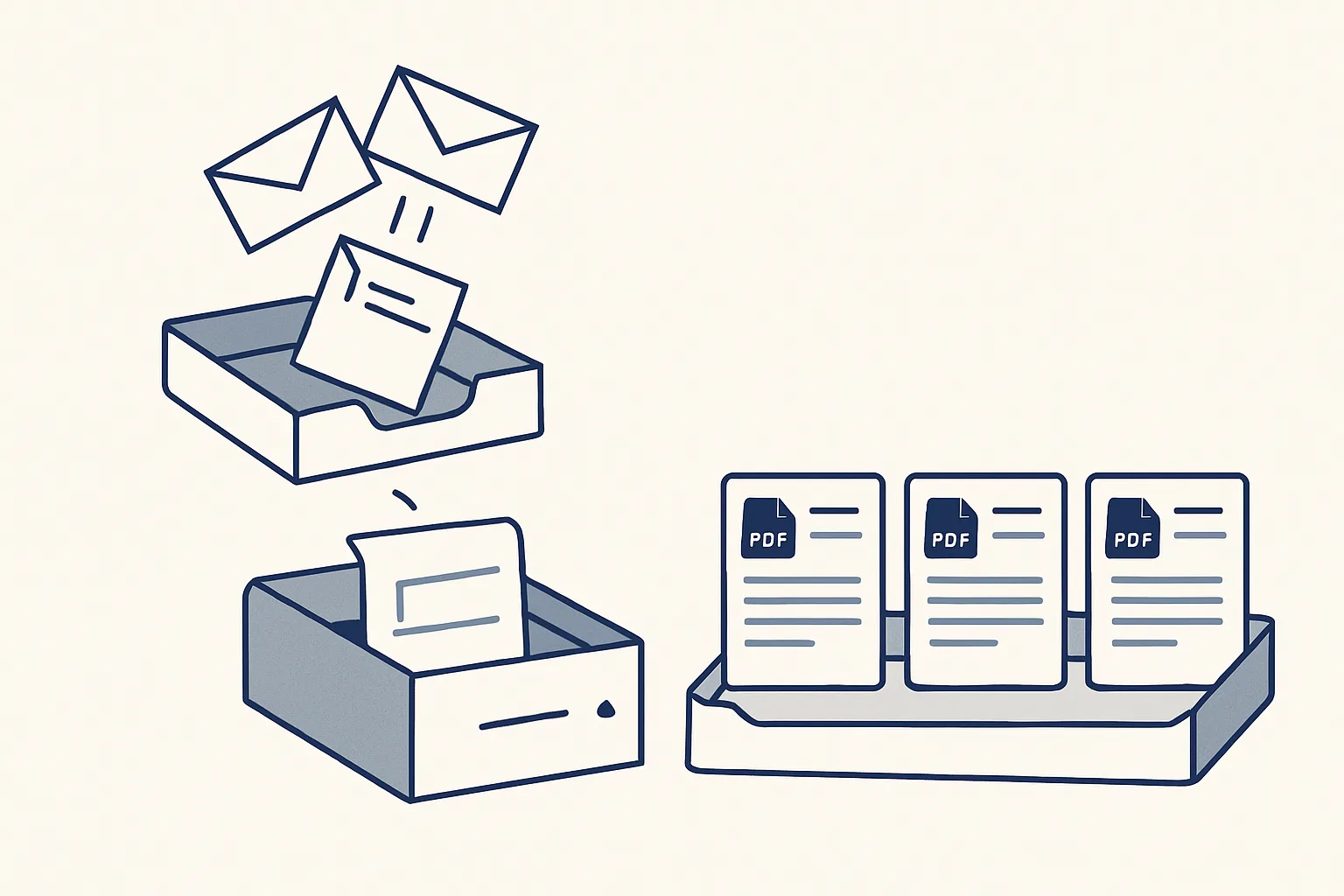
How-to
Accounts payable automation, step by step: from inbox to filed bill
Accounts payable automation in plain words: how supplier bills are read, entered as drafts with the PDF attached, and filed. Includes an hours calculator.
5 min read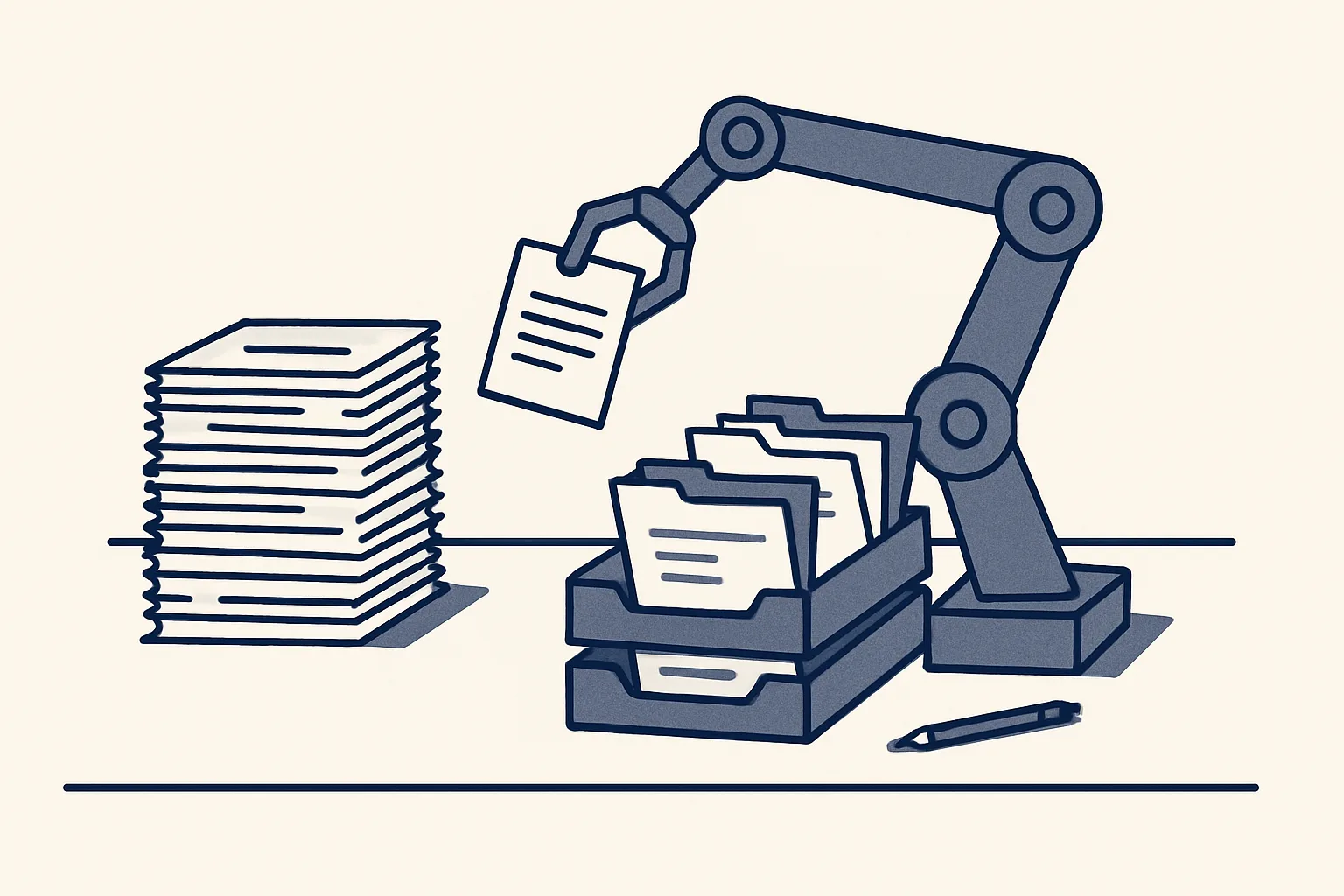
Guide
What is an AI employee, and what can it do for your business?
An AI employee does one office job for you, inside your own mailbox, files and accounts. Plain words on what it does and how to pick its first job.
5 min read