CRM data is the list of your clients, contacts and deals. It gets messy through doubles, old details and empty fields. AI can read your own mail and invoices, spot the problems and suggest fixes for you to check.
What is CRM data, and why does it go bad?
CRM data is everything you keep about the people and companies you sell to, and it goes bad because people type it by hand, in a hurry.
Say a small distributor has a client list. One client appears three times: once with a short name, once with the full legal name, once with a typo. Each copy has a different phone number. Which one is right?
Most owners know the list is messy. They just don't know how bad it is until they count.
Nobody meant any harm. Different people added the client on different days. Over a few years, the list fills with small mistakes like that.
The usual causes are easy to spot:
- The same client entered more than once under slightly different names.
- People who left a company but are still listed there.
- Empty fields: no email, no payment terms, no country.
- Old addresses and phone numbers nobody updated.
- Notes kept in someone's inbox, not in the list.
What does messy CRM data actually cost you?
Messy CRM data costs you time every day and trust now and then.
Picture a plumber's office sending a reminder to a contact who changed jobs a year ago. The mail goes nowhere. Or two staff members call the same client in one morning, because the list shows two separate entries.
People search for this as crm data cleaning, crm data quality or duplicate contacts in crm.
It also costs you decisions. If you can't trust the list, you can't say who your best clients are, who has gone quiet or what you sold last year. People then keep their own private sheets, and the mess gets worse.
Clean data is not a luxury. It's the ground everything else stands on: quotes, reminders, follow-ups and reports.
How can AI clean CRM data?
AI cleans CRM data by reading it the way a careful person would, only faster, and by suggesting fixes for you to accept.
Think of a wholesaler with thousands of rows. A person could spend weeks comparing names and addresses. AI can match names that look different but mean the same company, find rows with gaps and propose the missing details from your own emails and invoices.
Notice the pattern here. The fix is not to type everything again. It's to read what already exists and tidy it.
We do a version of this today. For one client, we read years of past sales invoices into structured data. That filled a clean client list and a product list in a sheet, with the details exactly as they appear on the invoices.
Here is how a clean-up runs, step by step:
- Read the list as it is and make a copy, so nothing is lost.
- Find rows that look like the same client or contact.
- Find rows with missing or odd details, such as a country that doesn't match the address.
- Check each guess against your own invoices and emails.
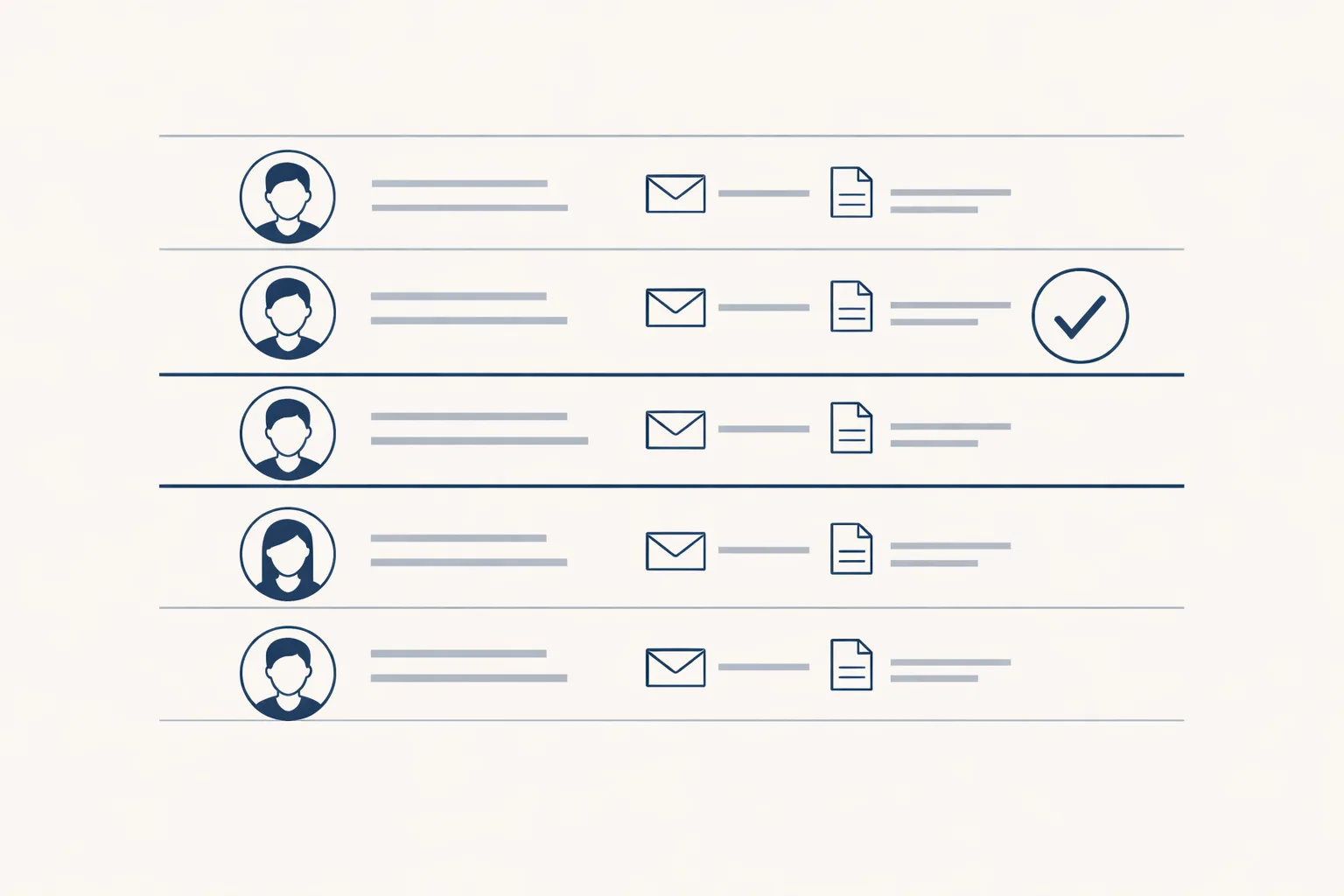
- Show you the suggested fixes in a sheet, side by side with the old row.
- You accept, change or refuse each one.
- Save the clean list and record what changed.
How long would a by-hand clean-up take?
Type in your own numbers. The result is the time a manual clean-up would take, by your own count. It's not a promise of what AI would save.
Where does the right answer come from?
The right answer comes from your own records: the invoices you issued, the emails you exchanged and the documents your clients sent.
A trading company may have two entries for the same buyer. The invoices show which legal name and address was actually billed. That settles it, with no guessing.
We never fill a gap with a made-up detail. If the records don't say, the row is flagged for a person to ask. A blank is better than a wrong email address.
Our clean lists live in a Google Sheet that works with your mailbox, Drive and Xero, so the details match what your accounting already shows.
Should it live in a CRM or in a sheet?
For a small business, a well-kept sheet often does the job a big CRM would, with less to learn.
A family bakery selling to forty cafes doesn't need a tool with a hundred menus. A sheet with one row per client, the last order and the next call is enough.
We build a client sheet like this today, with memory for clients and products. A fuller custom CRM and dashboards on your own tools are offered, built to order. If you already have a CRM, the same clean-up works on an export from it.
The choice matters less than the habit. The list must be easy to update, and someone must own it.
How do you keep it clean afterwards?
Keep it clean by catching mistakes when they happen, not once a year.
Say every new invoice or enquiry adds or updates a client row automatically. Doubles are caught on the way in. Gaps are flagged the same day. The list never has time to rot.
You can also set a small monthly job: a short list of rows that look odd, for you to settle in a few minutes. Every step starts with your approval, then you choose when it goes automatic.
Use the calculator below to see how many hours a by-hand clean-up would take you. It uses only your own numbers.
A short monthly look is enough. Here is what to check:
- Rows added this month with no email or phone.
- Two clients with almost the same name.
- Contacts nobody has written to in a long time.
- Clients with no payment terms or no country.
Questions
What is CRM data?
It's the information you keep about the clients, contacts and deals your business deals with.
How do I clean up CRM data?
Find doubles, fill the gaps from your own invoices and emails, and fix old details. Check the changes before you save them.
Can AI clean my CRM data?
Yes, it finds likely doubles and gaps and suggests fixes. You accept or refuse each one.
Do I need a CRM at all?
Not always. A well-kept sheet works for many small businesses. A custom CRM is offered, built to order.
How do I stop CRM data getting messy again?
Update the list as work happens, so doubles and gaps are caught the same day.
Tell us your workflow. We will build it around you.
Tell us how big your client list is and how messy it feels. Write to hello@thenewaiemployee.com and we'll show you what a clean-up would look like.
Talk to us Related service: Business brain