Good AI video creation software lets you start from a script, use your own photos and logo, add captions and export in the right shape. It also states clearly what you may use the videos for. Test it with a real script before you pay.
What is AI video creation software?
AI video creation software is a tool that helps you build a video, using AI for some or all of the work: the voice, the pictures, the captions and the editing.
There are many kinds. Some turn a written script into a finished short video. Some only make moving clips from a description. Some edit your own footage, cutting pauses and adding captions. A few do all three.
Say a small bakery wants a weekly tip video. A tool that goes from script to finished clip suits it. A tool that only edits footage doesn't help, because the bakery has none.
So the first question isn't "which is best?" It's "what do I need it to do?"
Price and feel differ widely too. Some are simple and quick, with few choices. Others are packed with controls. For a busy owner, fewer choices and a steady result usually beat a long menu.
What should you look for?
Look for the things that save you real time and keep your videos looking like yours.
Here are the points that matter most, and a plain question to ask about each.
| Look for | Why it matters | Ask |
|---|---|---|
| Starts from a script | You stay in charge of the message | Can I paste my own script in? |
| Your own photos and logo | Videos look like your business | Can I upload my images and brand colors? |
| Captions | Many people watch with the sound off | Are captions made for me, and can I edit them? |
| Choice of voice | The voice should suit your brand | Can I choose and keep one voice? |
| Export shapes | Each platform likes its own shape | Can I export tall, wide and square? |
| Clear usage rights | You must be allowed to use it for business | What do the terms say about commercial use? |
| Easy to repeat | A routine saves more than one great video | Can I reuse a template for every video? |
What are the warning signs?
Be careful of tools that promise too much or hide too much.
Think of buying a second-hand van. A shiny paint job isn't the same as a good engine. These are the red flags to watch for.
Read the terms before you make anything you plan to use. Two questions matter: who owns the video, and may you use it for business?
A small shop that builds its social posts on a tool that bans commercial use is in trouble the day someone notices. It takes five minutes to check.
Also look at what happens to your photos, scripts and logo. A good tool says plainly what it keeps and what it does with it. If it doesn't say, ask.
Keep a copy of your finished videos and your scripts in your own folders. Then, if you ever change tools, you lose nothing.
- Promises like "a perfect video in one click". Good videos still need checking.
- Unclear terms on who owns the video or whether you may use it for business.
- A watermark you can only remove with a plan you haven't seen the price of.
- No way to export your video and your files.
- Voices and pictures that can't be kept the same from one video to the next.
- Prices that are hard to find or change depending on use in a way you can't predict.
- Claims that it will make you famous or go viral. Nobody can promise that.
Does this AI video software pass your test?
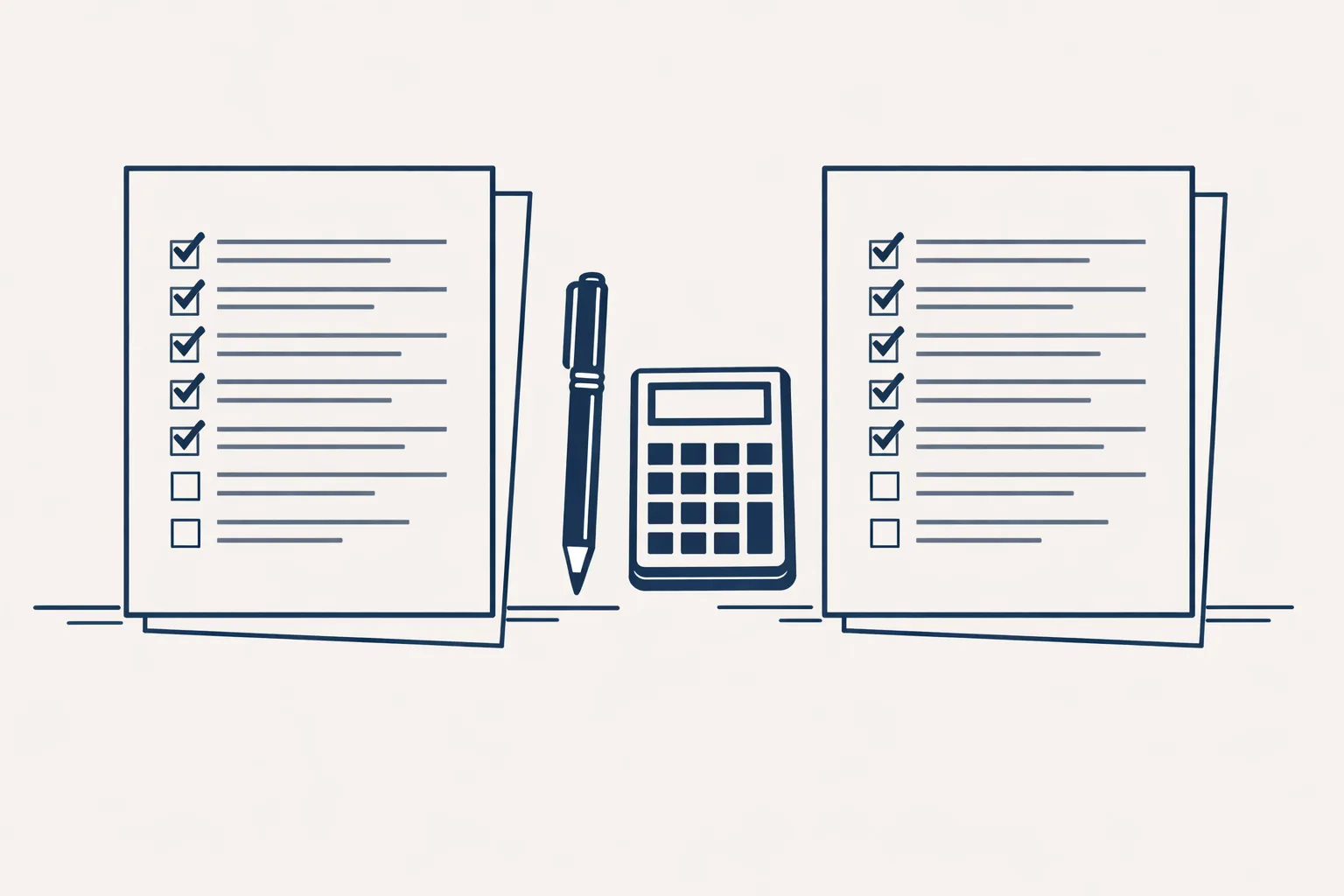
Think of one tool you're considering and tick each line that's true for it.
How do you test a tool before you pay?
Test every tool you're considering with the same real script, and compare the results side by side.
A garden center could take one short spring tip and run it through two or three tools. It's an afternoon's work, and it tells you more than any list of features.
- Write one real script of a few sentences from your own business.
- Gather your logo, colors and a few photos.
- Make the same video in each tool you're considering.
- Check captions, voice, pictures and how easy it was.
- Read the terms about business use and ownership.
- Check the real cost over a month of the number of videos you want.
- Pick the one you'd be happy to use every week.
What does it really cost?
The real cost is the tool's price, plus your time to write, check and post each video.
Many tools charge by the month or by how much video you make. That can look cheap until you count the hours. A shop that makes a video a week should count writing, checking and posting as part of the cost.
A tool that saves ten minutes in editing but needs thirty minutes of fixing isn't a saving. Time yourself on your test video, and use that number.
Where do we fit in?
We aren't a software seller. We build short vertical videos from a content calendar: a voice, pictures in a house style, captions and an end card. We make them for our own brand today. For your business it would be built to order.
We also run a LinkedIn posting robot on working days from an approved calendar, which runs today on our own brand. We don't make phone or voice agents, and we don't run paid ads.
Every step starts with your approval, then you choose when it goes automatic. The checklist below helps you judge any tool you're looking at.
Questions
What is the best AI video creation software?
There isn't one best tool. The right one depends on whether you start from a script, photos or footage, and where you post.
Is free AI video software good enough?
It can be fine to test with. Check for watermarks, limits on length and whether you may use the videos for business.
Do I need editing skills?
Not for simple clips. Most tools work from a script and pictures. Checking the result still takes your time.
Can I use my own logo and colors?
Look for that feature. It's what makes videos look like your business.
Can you choose the software for me?
We don't sell software. We can build the videos from a content calendar, on our own brand so far. For your business that is built to order.
Tell us your workflow. We will build it around you.
Write to hello@thenewaiemployee.com with what you want your videos to do, and we'll tell you plainly what to look for.
Talk to us Related service: Social media and video