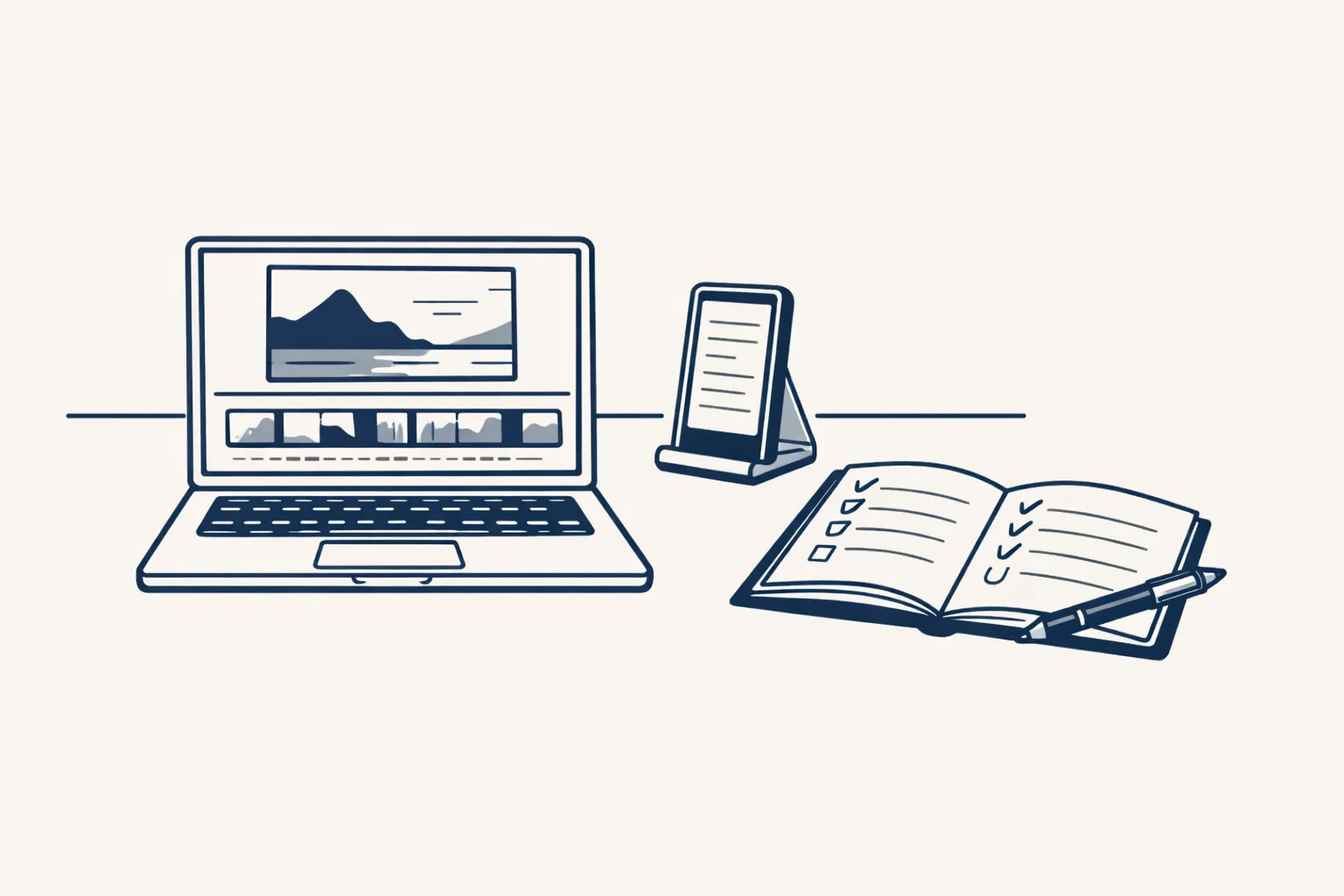
AI powered video editing tools take over the dull parts of editing: cutting pauses, adding captions, resizing and cleaning sound. They don't choose your story or your taste. Use them for the routine steps and keep the final look in your hands.
What do AI powered video editing tools actually do?
They do the repeat jobs of editing for you: trimming silences, adding captions, resizing for each platform and tidying the sound.
Say a plumber films a one-minute tip on a phone. Editing by hand means cutting the awkward pauses, typing the captions word by word, cropping it tall for a phone screen and fixing the echo. An hour can vanish.
An AI editing tool does most of that in minutes. It finds the pauses, writes captions from what was said, reframes the picture and smooths the sound. You look it over and fix what's off.
Think of it as a fast assistant for the boring half of editing. It isn't a replacement for the person who decides what the video says.
There's a second kind of help, too. Some tools can pick the best moments from a long recording and cut short clips from it. That's handy for a talk or a long walk-through, but you still decide which moments are worth sharing.
Which jobs can AI take, and which stay with you?
AI takes the routine, mechanical jobs, and you keep the choices that make the video yours.
A bakery owner who films a short video wants it to feel warm and quick, not stiff. The tool can tidy. Only the owner knows what feels right. Here is a simple split.
| Editing job | AI can help | Stays with you |
|---|---|---|
| Cutting pauses and stumbles | Finds and removes them | Deciding what to keep |
| Captions | Writes them from the speech | Checking names and terms |
| Resizing for each platform | Reframes automatically | Checking the framing looks right |
| Sound clean-up | Reduces hiss and echo | Judging how it sounds |
| Finding highlights | Suggests good moments | Choosing the story |
| Branding | Applies a saved template | Setting the look once |
What should you look for in a tool?
Look for tools that save you steps in your own routine and let you stay in control of the result.
A busy owner doesn't need every feature. They need the five that they use every week. Check for these.
- Automatic captions you can edit word by word.
- Removing silences without chopping words.
- Resizing for tall, wide and square in one go.
- A saved template for your logo, colors and end card.
- A preview that is quick to watch and quick to change.
- Exporting a clean file with no hidden limits.
- Clear terms on what you may use the video for.
How many hours a year do you spend editing video?
Type in your own numbers. The result is the time you spend editing by hand in a year. It's your own estimate, not a promise of what any tool would save.
How do you set up a quick editing routine?
Edit in batches, with one saved template, so each video takes a few steps instead of a whole evening.
A florist who films four short tips on a Monday can edit them all in one sitting. The first one is slowest. By the fourth, it takes minutes.
Say a furniture maker films a two-minute clip of finishing a table top. She wants a short, tall clip for her phone-loving customers.
She drops the clip into the tool. It removes the long pause where she looked for a brush, writes captions from her voice, crops the picture to a tall shape and evens out the sound. The whole thing takes a few minutes.
She watches it once, corrects a caption that misspelled the name of a wood, and adds her end card with a saved template. Then she exports it.
That's the real gain: the dull steps shrink, and her time goes on the part only she can do, which is choosing what to show and how it feels.
- Film or collect your clips in one go, and keep them in one folder.
- Set up your template once: logo, colors, caption style and end card.
- Run each clip through the tool for pauses, captions and resizing.
- Watch the whole clip. Fix captions, names and any odd cuts.
- Export in the shape each platform needs.
- Save the finished videos and the originals in clearly named folders.
What can go wrong?
The usual problems are wrong captions, chopped words and videos that all look the same.
Captions are the main one. A tool can mishear a name or a product, and a wrong caption is easy to miss on a quick watch. A dentist's video that says "root canal" as "route canal" looks careless.
Another risk is over-cutting. Remove every pause and the speaker sounds like a machine. Leave some breathing room.
And if you use the same template and cuts for everything, your videos can start to feel generic. Change something small now and then, such as the opening line.
Where do we fit in?
We don't edit your raw footage as a service. What we build is short vertical videos from a content calendar: a voice, pictures in a house style, captions and an end card. We make them for our own brand today. For your business it would be built to order.
We also run a LinkedIn posting robot on working days from an approved calendar in a sheet, which runs today on our own brand. We don't make phone or voice agents, and we don't run paid ads.
Every step starts with your approval, then you choose when it goes automatic. The calculator below shows how much editing time you might be spending.
Questions
What are AI powered video editing tools?
They're programs that use AI to do routine editing jobs, such as removing pauses, adding captions, resizing and cleaning sound.
Can AI edit my video completely?
It can do the routine parts. You still decide the story, check the captions and make sure the result looks right.
Will AI captions be accurate?
Usually close, but they can get names and product words wrong. Always read them before you post.
Do I need to be technical to use these tools?
No. Most work by dragging in a clip and clicking a few options. A saved template makes it even simpler.
Can you edit my videos for me?
We don't edit raw footage as a service. We build short videos from a content calendar, on our own brand so far. For your business that is built to order.
Tell us your workflow. We will build it around you.
Write to hello@thenewaiemployee.com with how many videos you make and how long editing takes, and we'll tell you plainly where time can be won back.
Talk to us Related service: Social media and video