An AI summary shrinks your page into a few lines that many people read instead of the page. To be summarized right, put the point in the first sentence, keep one idea per paragraph and state facts plainly. The summary can only be as clear as the text it reads.
What is an AI summary in search?
An AI summary is a few lines of text that a search tool writes to sum up what a page, or several pages, say.
You've seen it at the top of a search page or under a link. Someone looks up "how does a dental check-up work?" and gets four lines that explain it, taken from the pages the tool read.
Many people read the summary and stop there. So for them, the summary is your page. What it says about you is what they know about you.
That makes one thing important: the summary can only repeat what your page makes clear. A page that rambles gets a vague summary. A page that is plain gets a plain one.
Summaries also show up in other places: in an assistant on a phone, in an email app and in a browser. The idea is the same everywhere. A tool reads something long and hands back something short.
How does the tool decide what to say about you?
It leans on the clearest sentences it finds, usually near the top of a page and right under each heading.
Think of a busy assistant skimming your page with a highlighter. They mark the first line of each section, the lists and the short facts. They skip the long wind-up.
Say a dentist's page opens with three paragraphs about the practice's philosophy. The tool may summarize the philosophy and miss the opening hours. A page that opens with "We're open Monday to Saturday, and a check-up takes about half an hour" gets that fact into the summary.
Headings matter a lot here. A heading like "Our story" tells the tool nothing. A heading like "How long does a check-up take?" tells it exactly what the next lines answer.
Why do summaries get things wrong?
Summaries go wrong when the page is vague, mixed up or out of date, because the tool has nothing solid to hold on to.
These are the usual causes.
- Buried points. The key fact sits in the fifth paragraph, so it's missed.
- Two answers on one page. The page says "open all week" in one place and "closed Sundays" in another.
- Old details. A price or an hour that changed, still on the page.
- Cleverness. Puns and teasers that make sense to a person but not to a machine.
- Long blocks of text. Without breaks and headings, nothing stands out.
- Facts inside pictures. A menu or a price list saved as an image can't be summarized.
Would an AI summary of your page say what you mean?
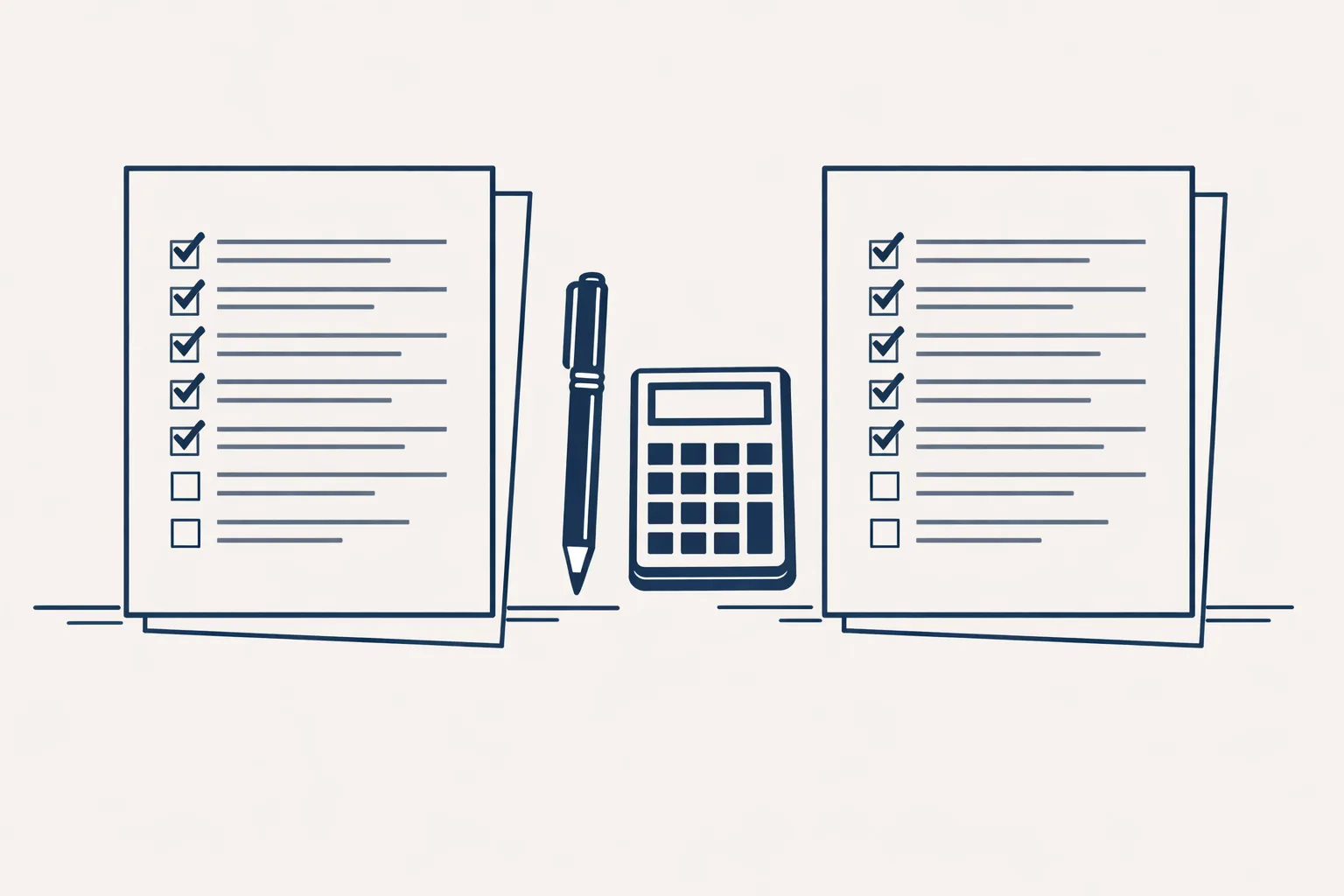
Pick one of your important pages and tick each line that's true for it.
How do you write so you're summarized right?
Write each section so that its first sentence could stand alone as the summary.
A garden center could rewrite its page on spring planting like this: start with the answer, then explain. The page should read well even if someone only reads the headings and the first lines.
- Give each section a heading that names the question it answers.
- Put the answer in the first sentence, in plain words.
- Keep one idea in each paragraph, and keep paragraphs short.
- Put facts that come in pieces into a short list or a small table.
- Write numbers, prices and hours as real text, not inside pictures.
- Read the page aloud. Where you stumble, a summary will too.
What does that look like in practice?
Here is a before and after for the same fact, so you can see the difference.
Before: "At Green Valley Dental we've always believed that a healthy smile starts with a relaxed visit, and over the years our team has grown into a family of dedicated people who care. Our practice, which sits on the high street, is open for appointments most days."
After: "Green Valley Dental is open Monday to Saturday on the high street. A check-up takes about half an hour, and you can book by phone or online. Our team keeps visits relaxed."
The second version holds the same warmth, plus the facts a summary needs. It gives the tool something to lift, and it gives the reader something to use.
After the rewrite, check the page the way a tool would. Cover everything except the headings and the first sentence of each section. If a stranger could still tell what you do, where you work and how to reach you, the summary will manage it too.
Do this for your most visited pages first. It takes an afternoon, and the gain lasts.
Where do we help?
We write pages so that their first lines carry the point, which is part of our SEO and GEO work and runs today.
Each page gets one main keyword, a plain answer first in each section, structured data, a sitemap and Search Console set-up, and we publish a short guide file for AI assistants. Search engines and assistants read the site every time it changes.
We also write summaries ourselves: a morning digest of yesterday's new and unanswered emails across a group of mailboxes, sorted by business, each with a short gist. That runs today too.
Every step starts with your approval, then you choose when it goes automatic. The checklist below shows how summary-ready your pages are.
Questions
What is an AI summary?
It's a short text a tool writes to sum up a page or several pages. Many people read it instead of opening the page.
Can I control what the AI summary says about me?
Not directly. You can make your pages clear so the summary repeats what you mean.
Do I need different pages for summaries?
No. The same page works for people and for summaries. It just needs the point near the top.
Why does the summary leave out my best fact?
The fact is probably buried or unclear. Move it into the first sentence of its section.
Does a summary replace my website?
No. Customers who need detail, prices or a booking still come to your site. The summary is often the first look.
Tell us your workflow. We will build it around you.
Write to hello@thenewaiemployee.com with the address of a page you care about, and we'll tell you plainly how it would be summarized.
Talk to us Related service: SEO and GEO