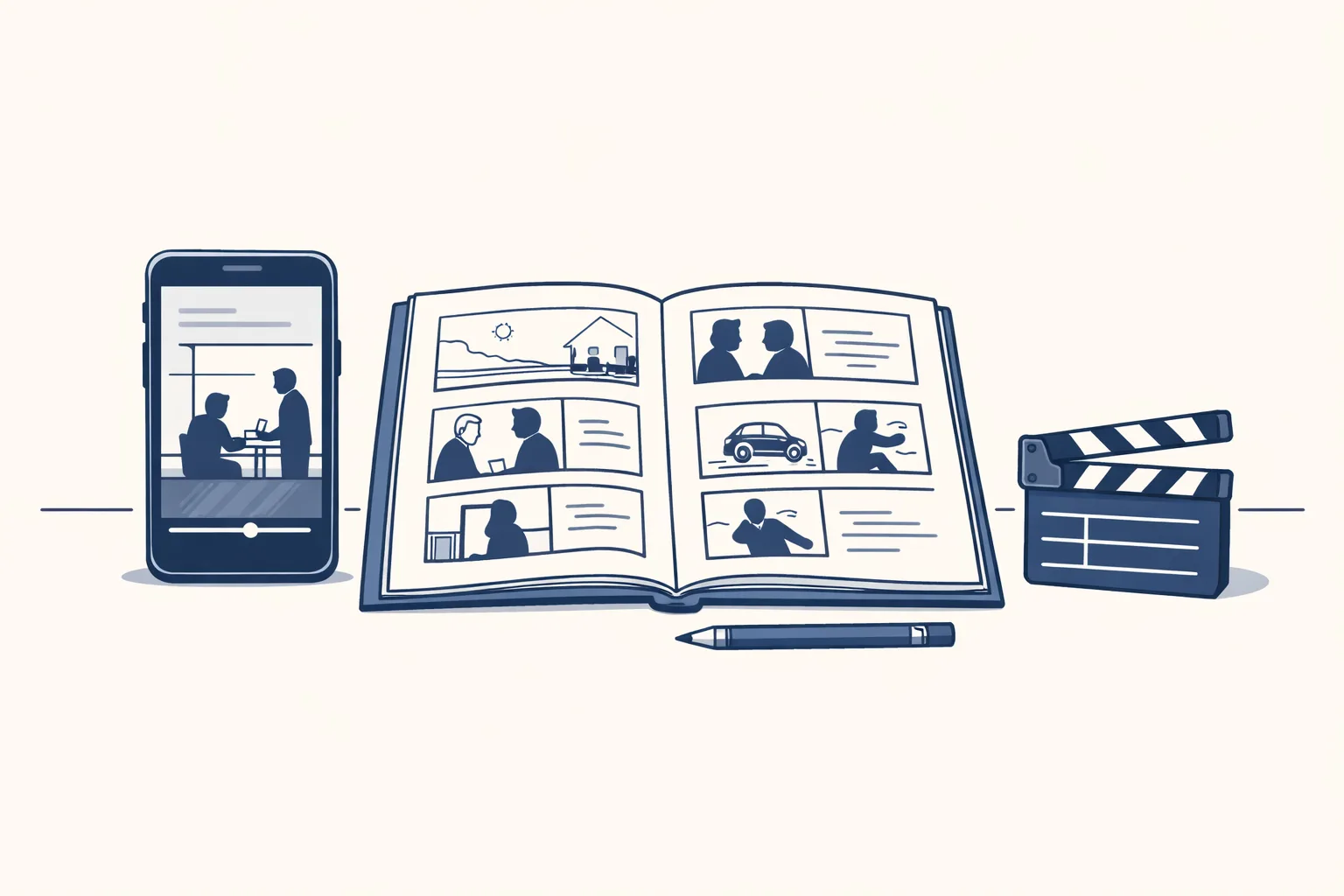
AI video generation tools turn a script, a picture or a clip into a short video. Free plans are fine for trying one out. Paid plans mostly add longer clips, cleaner files, no watermark and the right to use the video for your business.
What do AI video generation tools actually do?
AI video generation tools make a short video from something you give them: a few lines of text, a picture, or a clip you already have.
Say a bakery wants a ten-second clip of fresh bread for Friday. Years ago that meant a camera, a light and an editor. Now you type what you want and the tool makes a few options to pick from.
There are three kinds, and they do different jobs. Knowing which one you need saves a lot of clicking around.
- Text or picture to video: you describe a scene, it makes a moving clip.
- Talking presenter: you paste a script and a digital presenter reads it to the camera.
- Editing helpers: you give it your own footage and it adds captions, cuts and music.
- Slide-style video: you give it pictures and words, and it builds a simple explainer.
Free or paid: what is the real difference?
Free plans let you try a tool. Paid plans let you use the result in your business.
A plumber making one short tip video for social media can often start free. A shop making a video every week will hit the limits fast. The table shows where those limits usually sit.
Plans change often, so check each tool's own page before you decide.
A good rule: stay free until the limits cost you real time or look unprofessional. Then pay for one month, not a year, and see if you really use it. Many people sign up for a long plan and use it twice. The monthly option is a little dearer but it is the honest way to find out what you need.
| What you look at | Free plans often | Paid plans often |
|---|---|---|
| Watermark | A logo stamped on the video | Removed |
| Clip length | Very short | Longer, sometimes a full minute or more |
| Picture quality | Lower | Sharper, ready for a screen or a shop display |
| Number of videos | A small monthly allowance | A bigger allowance, or extra credits you can buy |
| Use for business | Sometimes not allowed | Usually allowed, read the terms |
| Waiting time | Longer queue | Faster |
How do you test a tool before you pay?
The best test is one real video, made from start to finish, for something you would actually post.
Picture a small online shop. It picks one product, writes a short script and tries the same job in two tools. By the end of the afternoon it knows which one feels right, and it has not paid for either.
Here is a simple way to do it.
- Pick one real job, like a ten-second clip for one product or a short tip for customers.
- Write the script yourself first, in plain words. A tool can't fix a muddled idea.
- Run the same job in two tools on their free plans.
- Look at the result on your phone, not just your computer. That is where most people will see it.
- Check the terms: can you use the video for your business, and is the watermark removable?
- Count the minutes it took you, including the retries. Pay only if the time saved is real.
What do you need from a video tool?
Tick each line that is true for you. The more you tick, the more a paid plan or a built-to-order set-up is likely to pay off.
What should you watch out for?
The common problems are small but visible: odd hands, strange text, a face that looks slightly off, and a look that does not match your brand.
A restaurant posting a clip with a wobbly plate of food will lose more trust than it gains. Always watch the whole video, with sound on, before it goes anywhere near your page.
Keep this short list in mind:
- Watch every second. Small glitches hide in the middle of a clip.
- Keep real people's faces and voices out unless you have their clear yes.
- Never show a product doing something it can't do.
- Read who owns the result and where you may use it.
- Keep one house look: the same colors, the same ending, the same tone.
What can a small business make with them?
Small businesses get the most from short, simple clips: a product shown from a nice angle, a quick tip, a before and after, a thank-you to customers.
A hairdresser could make a ten-second intro for each new style. A family restaurant could show the dish of the week. An accountant's office could turn one tax tip into a clip with captions, ready for the week.
These clips are not meant to win prizes. They keep your page alive and show customers you are open and active. Most people watch with the sound off, so captions matter more than fancy effects.
Plan a few clips at once instead of one by one. Write five short scripts in a row, make them in one sitting and spread them across the month. The tool is the small part. The plan is the big part, and it is the part most people skip.
Keep the length short. A clip that makes one point and ends is better than a long one that wanders. If you need more than that point, make a second clip.
Where do we fit in?
We don't sell a video tool. We make short vertical videos from a content calendar kept in a sheet: a voice, pictures in one house style, captions and an end card.
On our own brand, the videos are made today. For your business, the same set-up is built to order, and the calendar stays in your own sheet.
Every step starts with your approval, then you choose when it goes automatic. If you only want a tool to try, start free and use the checklist below. If you want a steady stream of short videos without picking tools, write to us.
Questions
Are there really free AI video generation tools?
Yes, most have a free plan. Expect a watermark, short clips and a small monthly allowance.
Can I use free AI video for my business?
Sometimes not. Read each tool's terms before you post anything on a business page.
Do I need a paid plan?
Only if you hit the limits: watermark, short length or too few videos each month. Test on the free plan first.
Will AI video replace filming my own products?
For real products, your own photos and clips still look the most honest. AI is better for backgrounds, explainers and short intros.
Do you make videos for clients?
We make short vertical videos for our own brand today. For your business, it's built to order.
Tell us your workflow. We will build it around you.
Tell us what you would post each week. Write to hello@thenewaiemployee.com and we'll say honestly whether a tool or a built set-up fits you.
Talk to us Related service: Social media and video