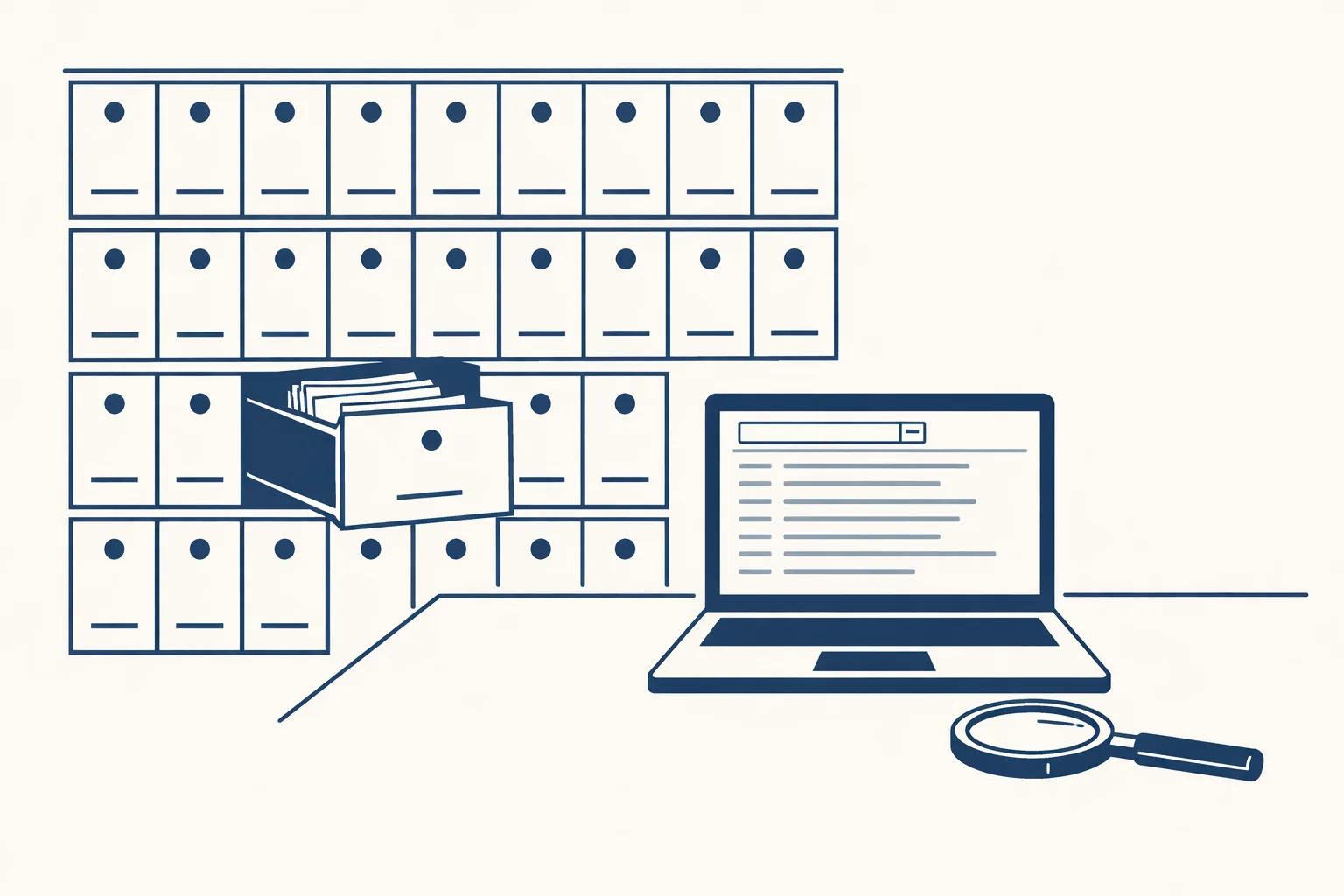
An AI-powered research assistant for your own files reads your documents one by one and builds a searchable list of what each one is, who it concerns and where it sits. You find answers in seconds instead of hours. Ours runs today for a client and links every line to the original file.
What is an AI-powered research assistant for company files?
It is a helper that reads your own documents and tells you what you have, so you can find answers inside your business instead of searching the web.
Most research tools look outward at the internet. This one looks inward. Say a small trading company has ten years of contracts, bills, emails and spreadsheets in shared folders. Someone asks, "What did we agree with that supplier last spring?" Today, that means opening folders and guessing. An AI-powered research assistant has already read the files and written down what each one is.
The answer then lives in a list you can search, filter and click through to the original.
Here's what it typically records for each file:
- What kind of document it is: contract, bill, quote, letter, report.
- Which company or person it concerns.
- Which deal or project it belongs to.
- The key facts: dates, amounts and names.
- A link to the original file, so you can always check.
Why is it hard to find things in a company archive?
It's hard because files are named by different people in different ways, and nobody remembers where everything went.
Picture a family business that has changed accountants twice. The same supplier's bills sit in three folders under three spellings. A search for the supplier's name finds some of them. A search for a date finds others. Nothing finds them all.
Think how much time goes on this. A person looks for a file, asks a colleague, checks the sent folder, and gives up. The hour is gone, and the file may still be somewhere else.
A research assistant solves this by reading the contents, not just the names. It groups files by company and by deal, whatever they were called.
That also shows what is missing. A contract with no matching bills, or bills with no contract, gets flagged.
How does the research assistant work, step by step?
It reads the archive file by file, writes what it finds into one sheet and updates the sheet every time it runs.
Our business brain does exactly this, and it is running today for a client. Here are the steps:
- It looks through the folders and finds every file.
- It reads each file, including scans, where the text is read from the picture.
- It writes one line per file in a sheet: type, company, deal and key facts.
- It adds a link to the original file on each line.
- It builds lists you can filter by category, by company and by deal.
- It makes a list of what needs attention.
- The next time it runs, it adds new files and updates what changed.
Which questions about your files would help you most?
Tick each question you wish you could answer in seconds. The more you tick, the more a research assistant for your own files would help.
What questions can I ask it?
You can ask the questions you'd normally ask a colleague who knows the archive: what do we have, who is it with and what needs attention?
A bakery owner might ask: "Show me all the contracts with flour suppliers." A small manufacturer might ask: "Which files belong to this customer's order?" You filter the sheet and the answer appears, with links.
To be clear, ours is a searchable sheet with filters and links. It is not a chat window that answers in sentences. That keeps every answer tied to a real file you can open.
The list of what needs attention is often the most useful part. It might show a contract that ends next month, or a folder with files that no longer belong anywhere.
Good first questions are practical:
- Which contracts end this year?
- Where is everything about this customer?
- Which supplier files have no matching bill?
- What documents do we hold from last spring?
- Which files need a person to look at them?
What should I be careful about?
Be careful with privacy, with mistakes in reading and with trusting a summary instead of the file.
An archive holds sensitive things: bank details, staff papers, private emails. Before any helper reads it, decide what it may read and who may see the results. Say a small firm leaves staff files out of the first pass. That is a sensible choice.
Reading mistakes happen too, especially with poor scans. That's why every line links back to the original. The sheet is a map, and the file is the truth.
Our setup runs on our servers against your own accounts, and every action is logged. Nothing is switched on without your yes.
How do I prepare my files?
You don't need to tidy anything first, because the point is to make sense of the mess.
A good first project is small. Choose one area, see the results, and then widen it.
A little preparation still helps:
- Put the files in a few clear places, such as one shared drive.
- Decide which folders it may read and which are off limits.
- Name two or three questions you'd love to answer in seconds.
- Pick one person who will check the results.
- Start with one area, such as contracts, and grow from there.
Questions
What is an AI research assistant for company files?
A helper that reads your own documents and builds a searchable list of what each one is, who it concerns and where it sits.
Is it a chatbot?
No. Ours is a searchable sheet with filters and links to the original files. Every answer points to a real file.
Does it run today?
Yes. The business brain runs today for a client, reading an archive file by file and updating when it runs.
Can it make mistakes?
Yes, especially with poor scans. Every line links to the original, so you can check.
Is my archive safe?
Our setup runs on our servers against your own accounts, and every action is logged. You decide what it may read.
Tell us your workflow. We will build it around you.
Got an archive nobody can search? Write to hello@thenewaiemployee.com and tell us how your files are kept today.
Talk to us Related service: Business brain